


Not all product reviews carry equal weight. A detailed review providing specifics on fabric durability or sizing accuracy helps prospective buyers far more than a simple two-word comment. Allowing shoppers to vote on reviews (“Was this review helpful?”) turns your review section into a dynamic, community-moderated resource. ReviewX includes a comprehensive Review Voting System that lets store owners configure review voting rules, choose voting modes, and prevent vote manipulation.
Thank you for reading this post, don't forget to subscribe!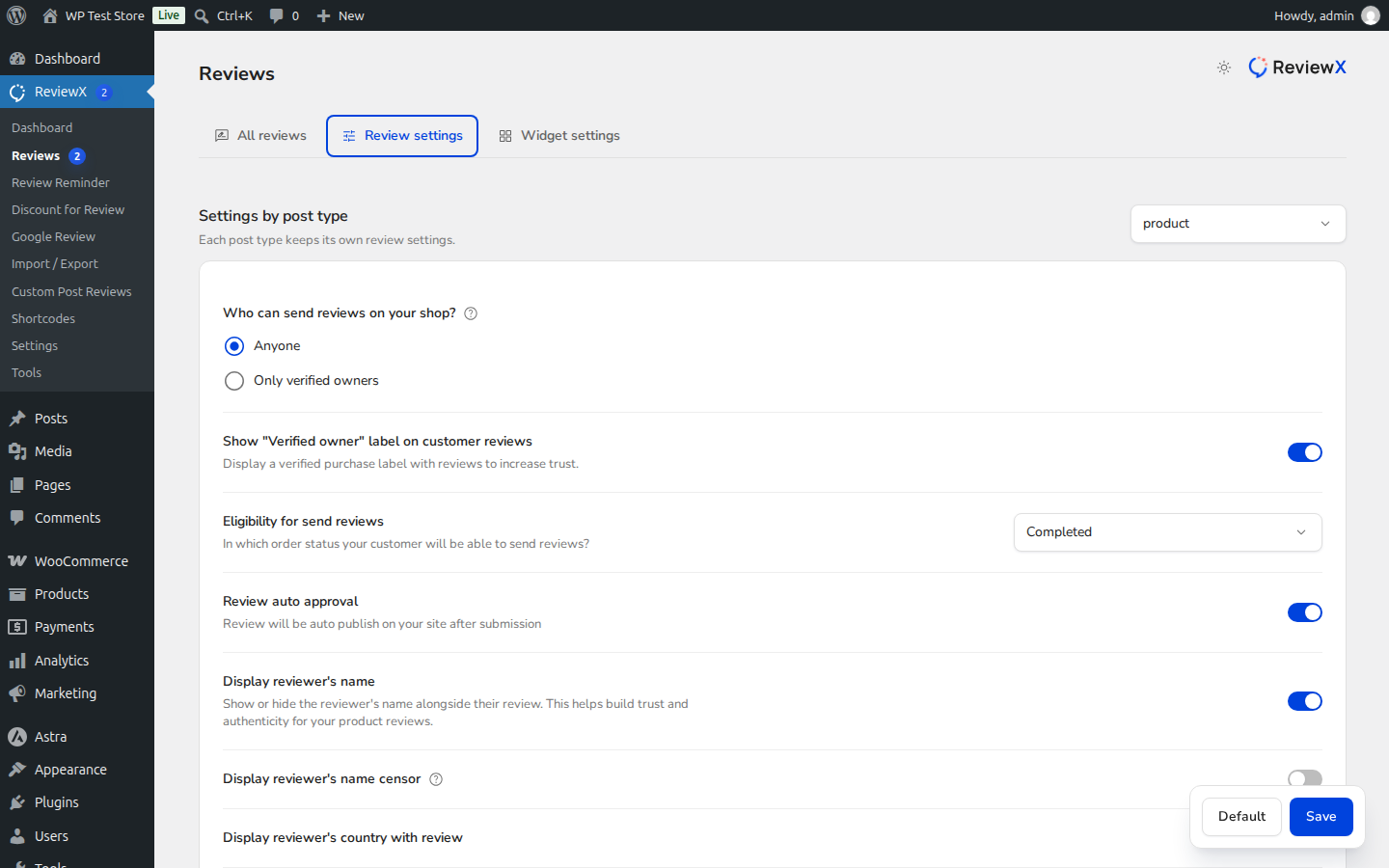
Why Review Voting Increases Conversions
When potential buyers see that 42 customers found a particular review helpful, trust in that testimonial skyrockets. Review voting highlights authentic customer experiences and helps shoppers make confident buying decisions quickly.
Choosing Your Voting Mode in ReviewX
ReviewX gives store owners full flexibility in how feedback is gathered:
| Voting Option | Storefront Display | Best Suited For |
|---|---|---|
| Allow like & dislike | Dual Thumbs Up & Thumbs Down buttons | Technical gear, apparel sizing, and electronics where community debate provides balanced clarity. |
| Allow only like | Single “Helpful” / Thumbs Up button | Boutiques, luxury goods, and creator stores seeking positive-only engagement without negative brigading. |
Step-by-Step Configuration Guide
Step 1: Open Review Settings
Navigate to ReviewX → Reviews in your WordPress admin dashboard and click on the Review settings tab.
Step 2: Enable Review Voting
Locate the Enable like / dislike setting (marked with Badge 1). Toggle the switch to the ON position.
Step 3: Select Your Voting Mode
Once toggled, the voting mode selector expands (marked with Badge 2). Choose between:
- Allow like & dislike: Enables both positive and negative voting counters.
- Allow only like: Restricts interaction to positive appreciation only.
Step 4: Save Changes
Scroll to the bottom of the page and click Save changes. Your storefront review list will immediately display the configured voting buttons on each review card.
Vote Spam Prevention & Integrity Protection
ReviewX includes built-in safeguards to maintain vote authenticity:
- Session & IP Fingerprinting: ReviewX hashes voter IP addresses and tracks local session tokens, ensuring a user cannot inflate or deflate votes through repeated clicks.
- Instant Counter Updates: Review votes update dynamically via AJAX without reloading the product page.
- Storefront Sort Integration: When voting is enabled, customers can use the storefront filter bar to sort reviews by Most Helpful first.


