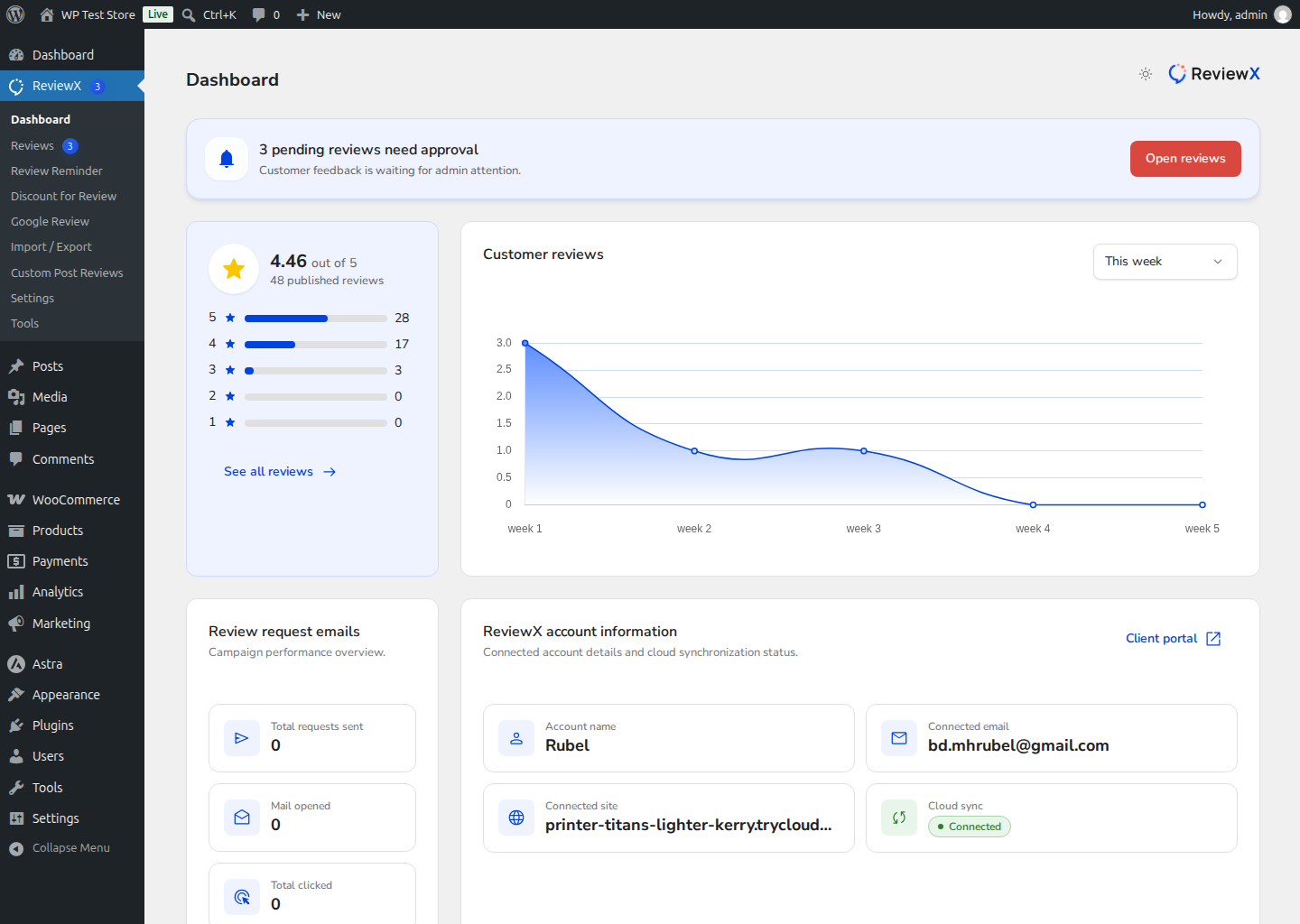
ReviewX utilizes a hybrid cloud architecture where your customer reviews, automated reminder emails, and coupon delivery are powered by high-performance cloud microservices. Connecting your WordPress store to the ReviewX SaaS Platform establishes the secure pipeline that drives these capabilities.
Thank you for reading this post, don't forget to subscribe!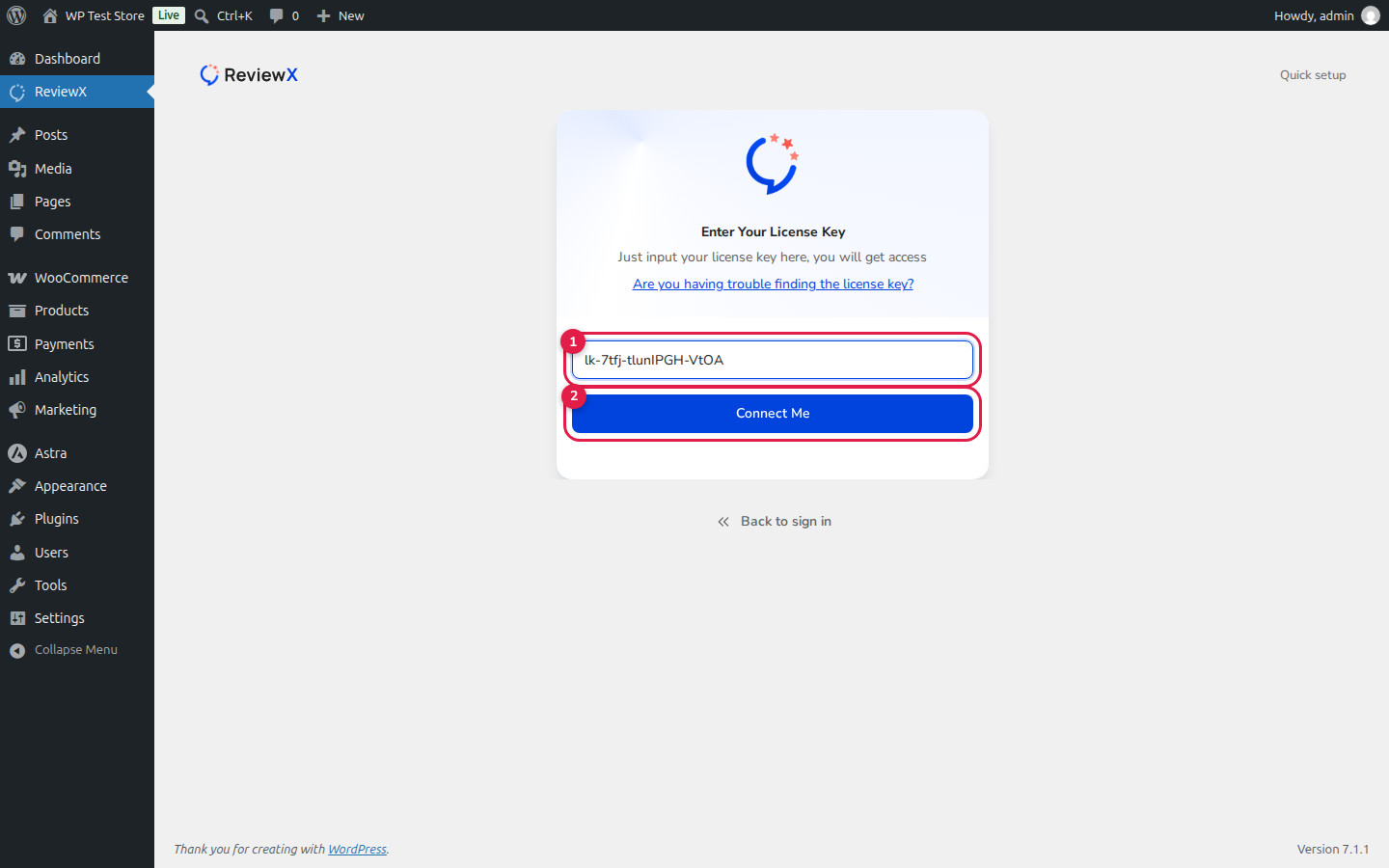
Step 1: Retrieve Your License Key
Sign in to your ReviewX Client Portal. Under the Licenses section, copy your unique License Key (starts with lk-).
Step 2: Launch the Onboarding Wizard
In your WordPress admin sidebar, click ReviewX. If the store is not yet connected, you will see the Onboarding Wizard. You can complete the quick step-by-step branding questions or click Skip to sign in at the bottom of the screen.
Step 3: Enter Your License Key and Connect
On the account card, click I have my license key, paste your License Key into input field [1], and click Connect Me (callout [2]).
Step 4: Initial Cloud Data Sync & Live Dashboard
ReviewX instantly verifies your license against the cloud platform, saves the secure API tokens, and begins synchronizing your existing WooCommerce products and orders. Once completed, your store unlocks the full ReviewX administrative dashboard: