


The ReviewX Client Portal (hosted at portal.reviewx.io) serves as the centralized cloud management platform for your ReviewX account. Through the portal, store owners and agency managers can generate API license keys, manage multi-site domain activations, monitor monthly cloud email delivery quotas, download official VAT invoices, and upgrade subscription tiers.
Thank you for reading this post, don't forget to subscribe!Creating your ReviewX Client Portal account takes less than 60 seconds and can be done either during initial WordPress plugin onboarding or directly on the web portal.
Single Account, Unlimited Stores
You only need a single ReviewX Client Portal account. From one unified dashboard, agency teams and business owners can manage licenses across multiple WooCommerce stores, client staging sites, and production domains.
Two Convenient Ways to Sign Up
Path 1: In-Plugin Onboarding Stepper (Fastest)
When you activate ReviewX for the first time on a new WooCommerce store, the plugin automatically launches the interactive Onboarding Wizard:
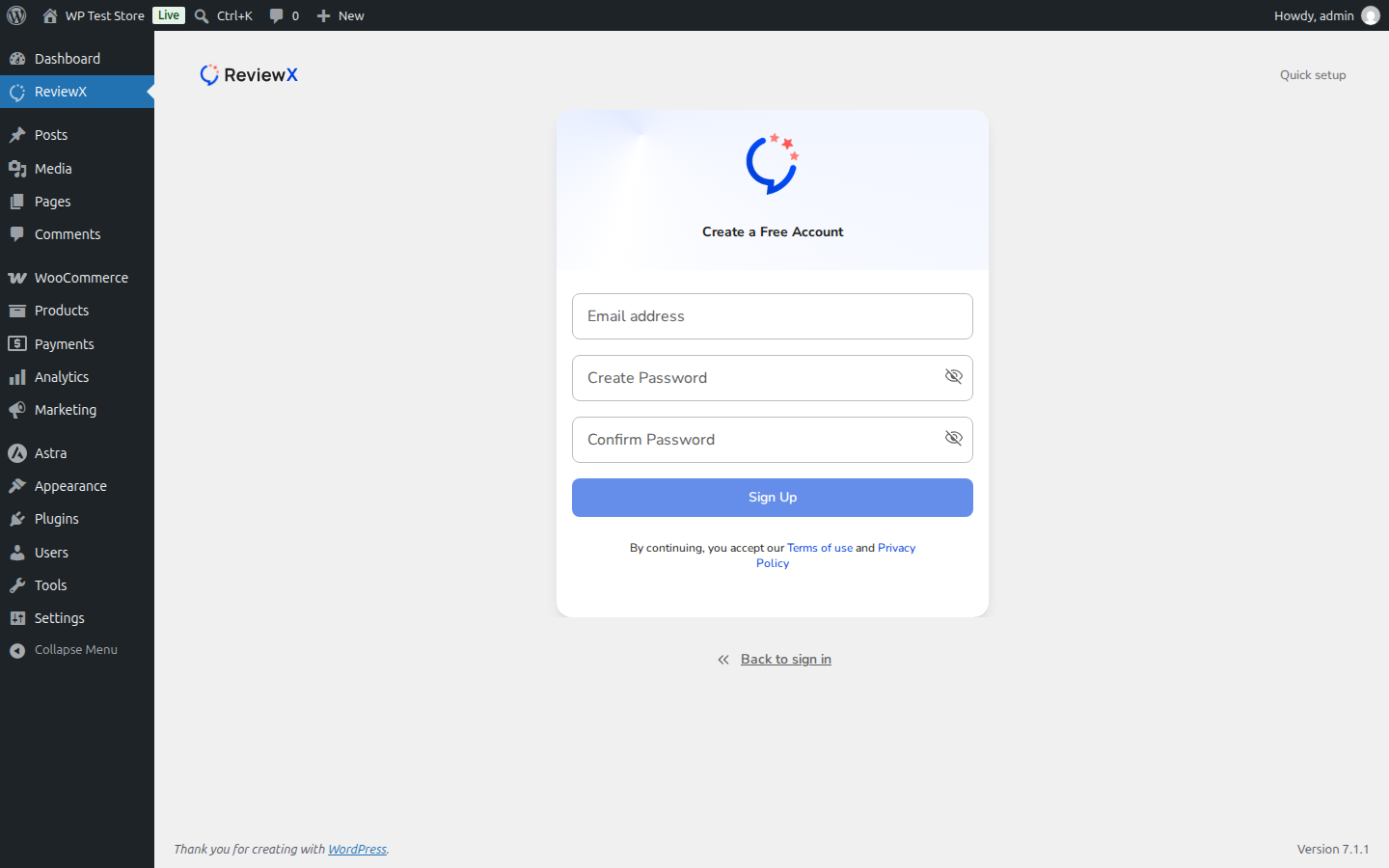
- On the connection screen, click the Create an account link.
- Enter your Full Name, Business Email Address, and create a Secure Password.
- Click Sign Up. ReviewX will automatically create your account, generate your starter license key, and authenticate your store in one smooth flow.
Path 2: Web Registration at portal.reviewx.io
If you prefer to register before installing the WordPress plugin:
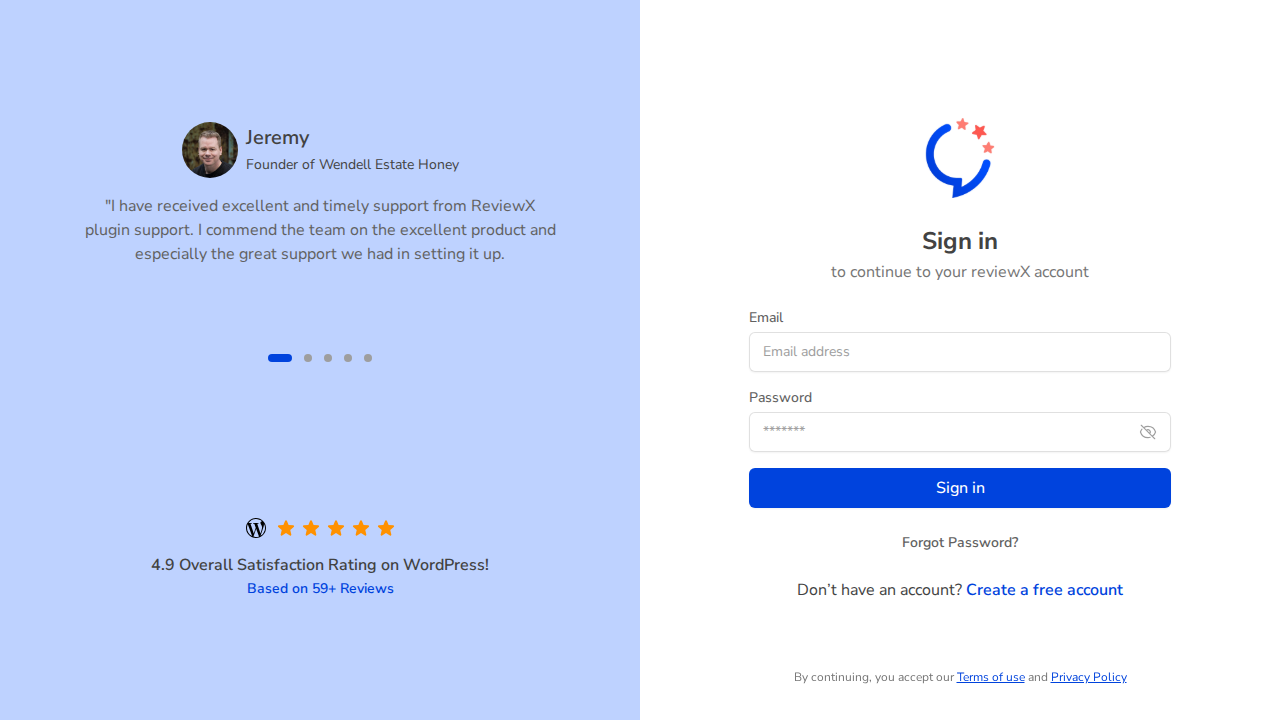
- Open your browser and navigate to portal.reviewx.io/register.
- Fill out the registration form with your name, work email address, and password.
- Review and accept the Terms of Service and Privacy Policy.
- Click Register to launch your new Client Portal dashboard.
What You Can Do Inside the Client Portal Dashboard
Once registered, your Client Portal dashboard provides full administrative control over your ReviewX subscription:
- License Key Management: Copy your Pro license key to activate unlimited review criteria, photo/video incentives, and automated reminder emails.
- Domain Activations: View all active connected WooCommerce stores, deactivate staging domains, and migrate keys to new production domains.
- Email Quota Monitoring: Track real-time monthly cloud reminder email dispatches and review delivery analytics.
- Invoices & Billing: Update payment methods, switch between billing cycles, and download PDF tax receipts.
Frequently Asked Questions
Is registration free?
Yes. Creating a ReviewX Client Portal account is 100% free. You can use your account to manage both Free tier stores and upgraded Pro licenses.
Can I change my account email address later?
Yes. You can update your account profile and primary email address anytime from the Profile Settings tab inside the portal.
What should I do if I don’t receive the verification email?
Check your Spam or Junk folder. If the email doesn’t arrive within 5 minutes, click Resend Verification Email on the portal login screen.


