


The ReviewX Client Portal (portal.reviewx.io) provides centralized SaaS management for your ReviewX subscriptions, API licenses, and cloud email quotas. Logging into your portal account allows you to retrieve license keys, view connected WordPress domains, download official PDF VAT invoices, and adjust account security settings.
Thank you for reading this post, don't forget to subscribe!This guide explains how to sign in to your ReviewX Client Portal account, navigate the primary dashboard sections, and reset your password if you ever forget your login credentials.
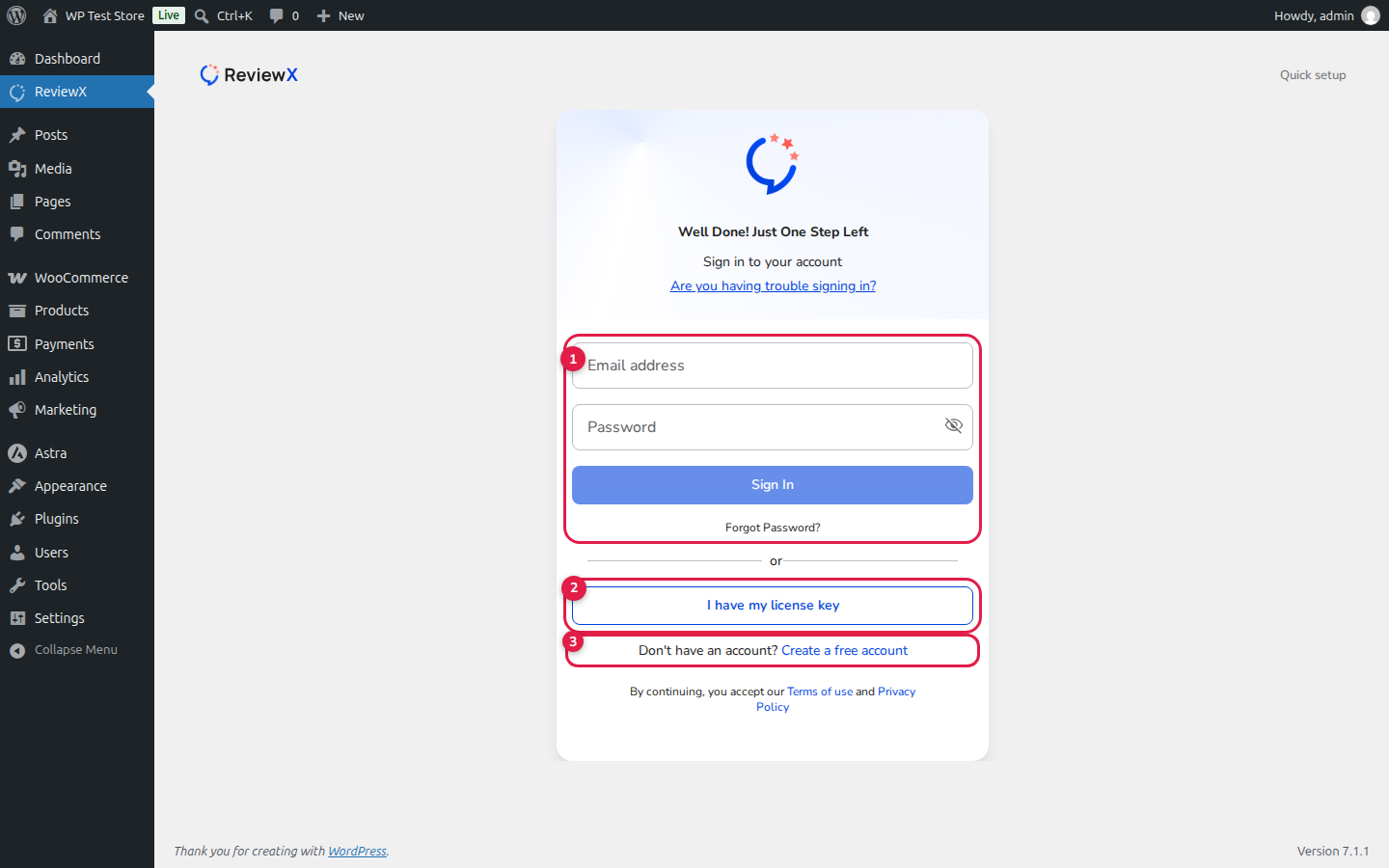
Secure Cloud Access
The ReviewX Client Portal uses enterprise-grade 256-bit SSL encryption to protect your account data, billing credentials, and API connection keys across all connected e-commerce stores.
Step-by-Step Guide: Signing In to the Client Portal
Step 1: Open the Portal Login Page
Open your web browser and navigate directly to portal.reviewx.io/login.
Step 2: Enter Your Credentials
In the login form:
- Enter your registered Email Address.
- Enter your Password.
- (Optional) Check Remember Me to stay signed in securely on your trusted device.
Step 3: Click Sign In
Click the blue Sign In button. You will be authenticated immediately and redirected to your main Client Portal Dashboard.
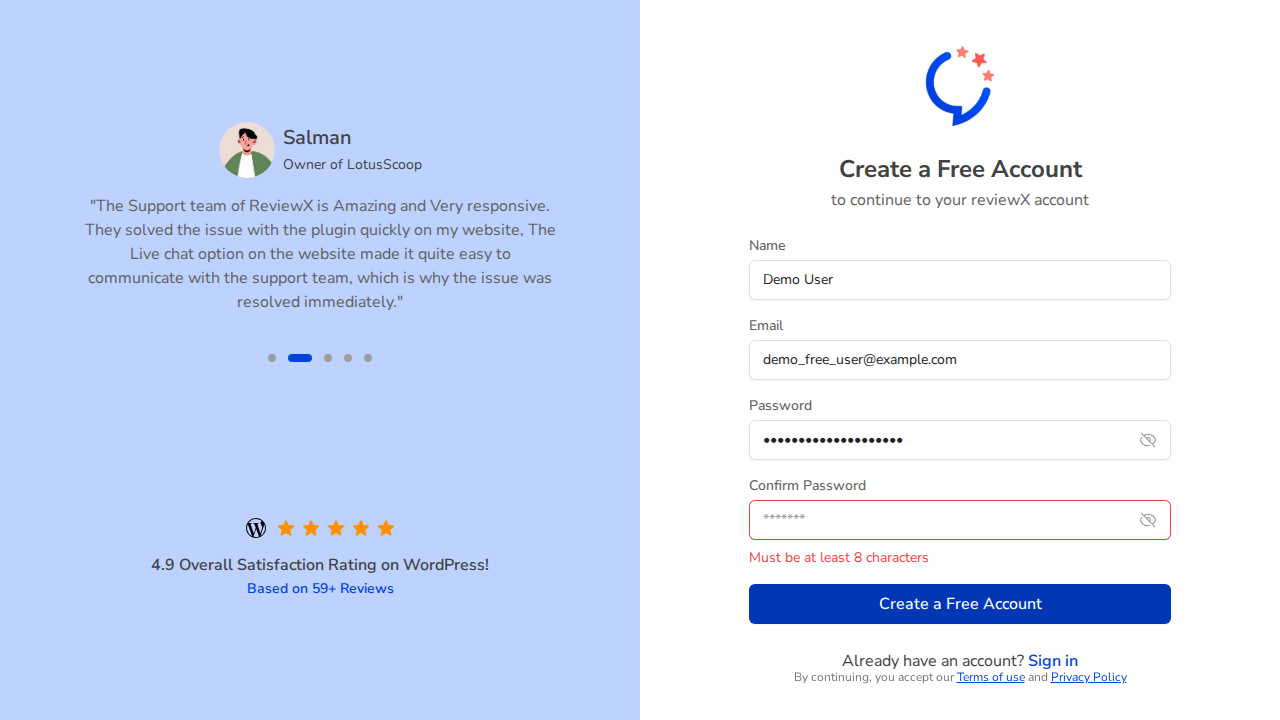
What to Do if You Forgot Your Password
If you cannot remember your password, you can reset it in seconds:
- On the portal login screen, click the Forgot Password? link beneath the password input.
- Enter the email address associated with your ReviewX account.
- Click Send Password Reset Link.
- Check your email inbox for an automated message containing your secure, time-limited reset link.
- Click the link, enter your new password, and confirm the change to log in immediately.
Key Portal Management Features
Once signed in, store administrators can perform critical subscription and site management operations:
| Dashboard Section | Available Actions |
|---|---|
| Licenses & Sites | Copy Pro license keys, view connected domains, and unlink old staging environments. |
| Email Quota & Analytics | Monitor monthly review reminder email volume, delivery rates, and open percentages. |
| Billing & Invoices | Download PDF VAT receipts, update credit card details, and upgrade or renew plans. |
| Profile Settings | Update your name, primary email address, password, and communication preferences. |
Frequently Asked Questions
Can I sign in directly from my WordPress dashboard?
Yes. In WordPress under ReviewX → Settings or the Onboarding wizard, clicking Connect ReviewX allows you to authenticate your portal account without manually opening a new browser tab.
Can multiple team members share a portal login?
For security, we recommend having account administrators manage portal access. Agency plans support multi-site license management across team installations.
Where do I find my license key after logging in?
Your license key is displayed prominently on your dashboard home screen under the License Key card with a convenient 1-click copy button.


