


Staying informed about new customer feedback is essential for maintaining prompt customer support, moderating public content, and responding quickly to negative reviews. ReviewX features an automated Admin Notification System that alerts store managers via email whenever a customer submits a new review, complete with reviewer ratings, submitted photos, and one-click moderation links.
Immediate Attention for Critical Feedback
Promptly replying to customer reviews—especially 1-star or 2-star grievances—shows potential shoppers that your store is actively supported, helping recover dissatisfied customers before negative word-of-mouth spreads.
Configuring Admin Review Notifications
To configure your notification alerts in WordPress:
- Navigate to
wp-admin → ReviewX → Settings(admin.php?page=reviewx_settings). - Ensure you are on the General tab.
- Toggle the switch for Notify me when a customer sends a review to ON (marked with Badge 1).
- Set notification trigger conditions:
- When to notify: Choose whether to receive notifications for all submitted reviews, or filter exclusively for reviews awaiting moderation.
- Specify the destination recipient and branding (marked with Badge 2):
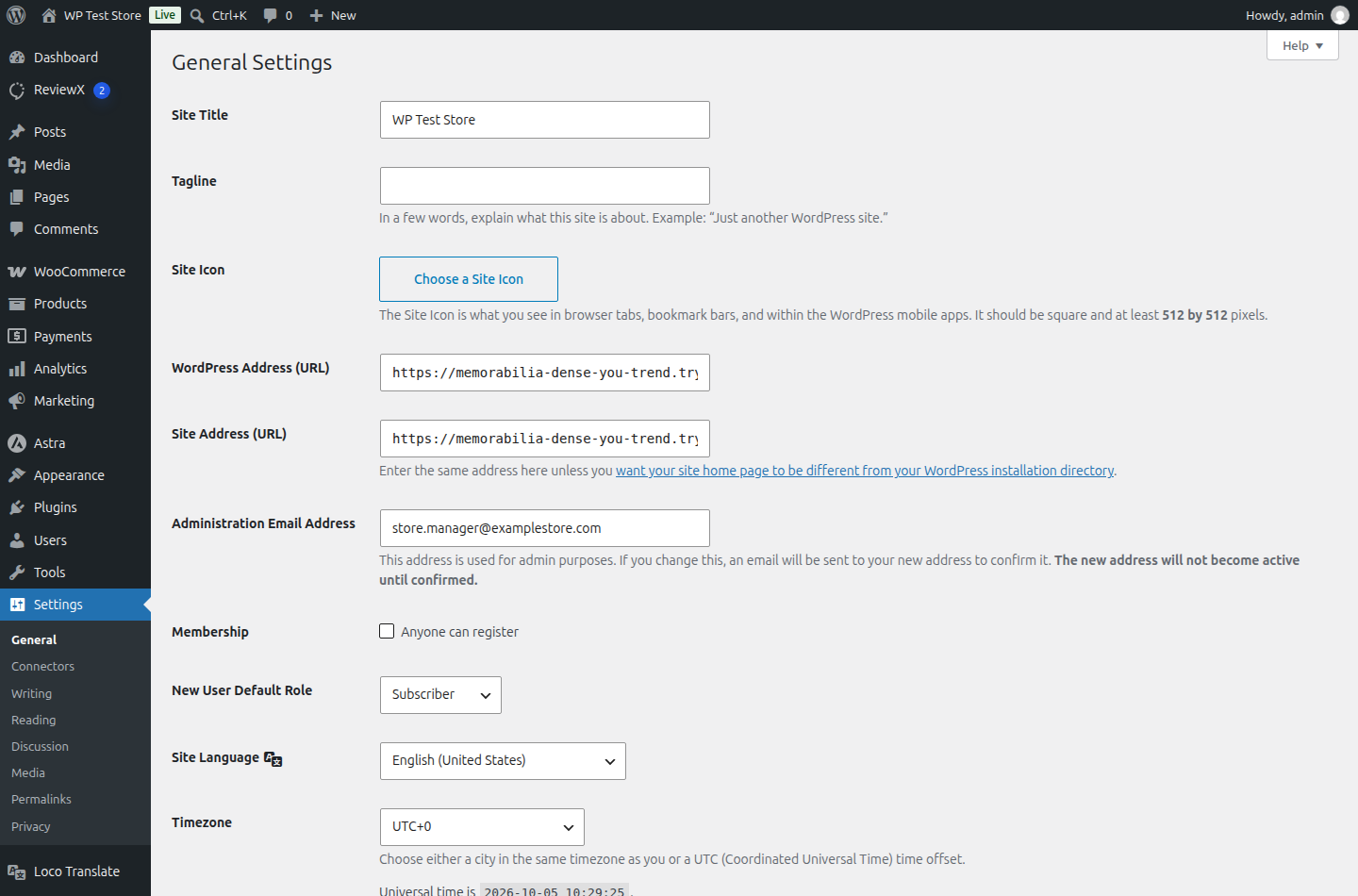
- Admin email: Enter the direct inbox address for your customer service lead or store manager (e.g.
store.manager@examplestore.com). - Shop icon: Upload a square brand icon (PNG or SVG) to appear in notification headers and public store owner replies.
- Shop logo for email header: Toggle to display your primary store logo across all customer-facing transactional emails.
- Admin email: Enter the direct inbox address for your customer service lead or store manager (e.g.
- Click Save at the bottom of the page to activate your notification policy.
Admin Notification Dispatch Architecture
ReviewX notifications are engineered for reliability and deliverability:
| Component | Delivery Method | Benefit |
|---|---|---|
| Submission Trigger | Instant REST API webhook. | Emails dispatch within seconds of customer submission without relying on WP-Cron. |
| Custom SMTP Alignment | Configured via ReviewX → Settings → SMTP. |
Prevents notification emails from landing in spam by enforcing SPF and DKIM authentication. |
| Direct Action Links | Embedded moderation URLs in email body. | Allows store managers to Approve, Spam, or Reply directly from mobile email clients. |


