


If you prefer an expansive, storytelling product page layout where social proof is immediately visible without requiring visitors to click a tab, you can display ReviewX directly inline using Oxygen Builder.
Thank you for reading this post, don't forget to subscribe!This guide explains how to embed the full ReviewX review ecosystem into any section of your Oxygen single product layout.
Step 1: Open Your Oxygen Single Product Template
- Navigate to Oxygen → Templates in your WordPress dashboard.
- Edit your active Single Product template with Oxygen.
Step 2: Insert a Shortcode Element
- Add a new Section or Div container where you want reviews to appear (typically below the product details and purchase box).
- Add a Shortcode element inside the container.
- Paste the primary ReviewX shortcode:
[rvx-woo-reviews]
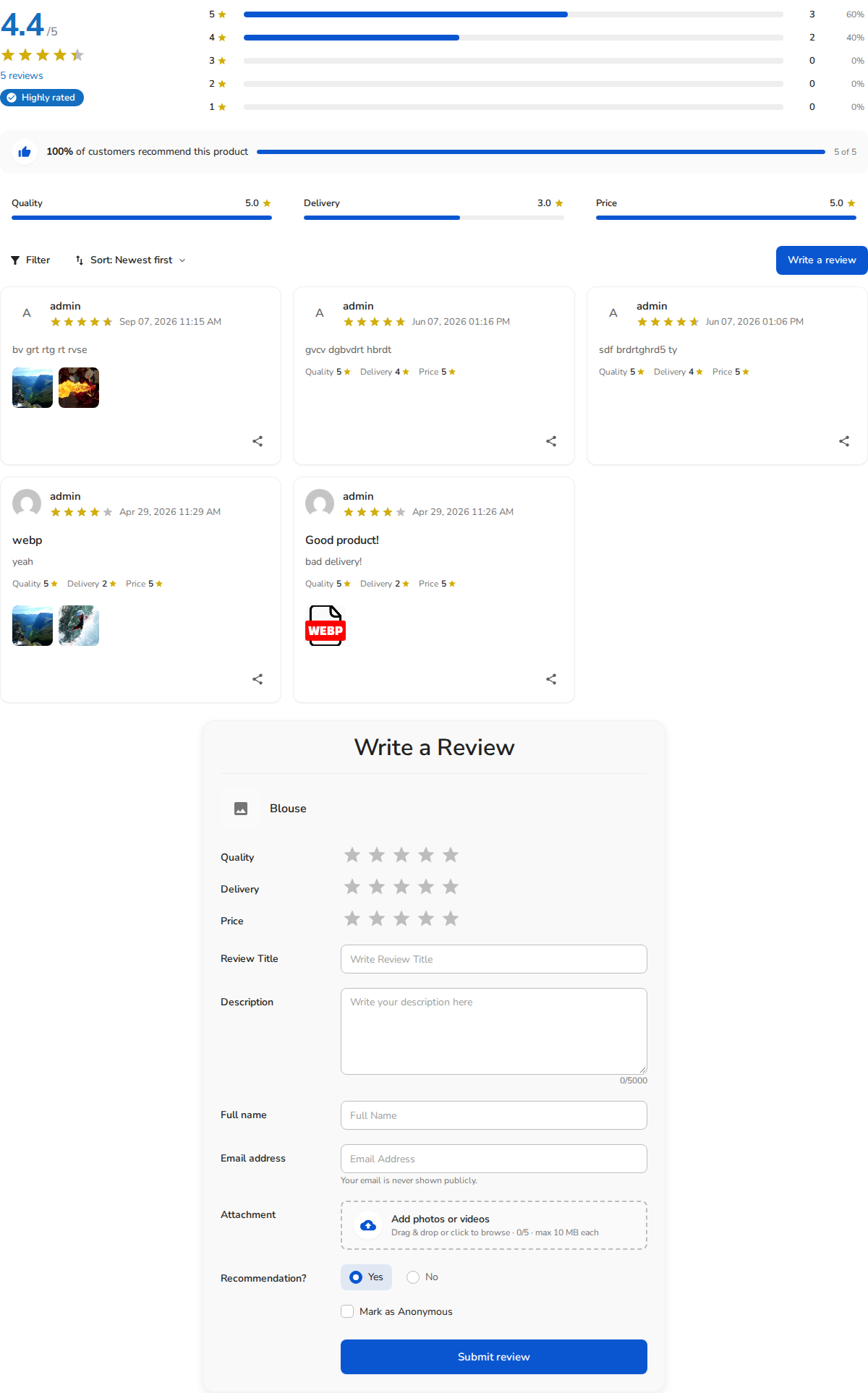
Figure 1: Full inline ReviewX widget rendering review summaries, filters, and verified cards.
Step 3: Adding Above-the-Fold Star Badges in Oxygen
To maximize conversions, place a compact star count right beneath your product title in the top section:
- Add another Shortcode element directly under the Product Title element.
- Paste:
[rvx-star-count] - This displays a lightweight star rating summary (e.g. ★ 4.9 (42 reviews)) that immediately builds shopper confidence above the fold.
Step 4: Save & Preview
- Save your changes in Oxygen Builder.
- Open any single product page to verify that both the above-the-fold star badge and the inline review ecosystem render properly.


