


If you encounter an error during the Onboarding Wizard when connecting your store to ReviewX with your license key, follow these targeted troubleshooting checks to resolve the issue quickly.
Thank you for reading this post, don't forget to subscribe!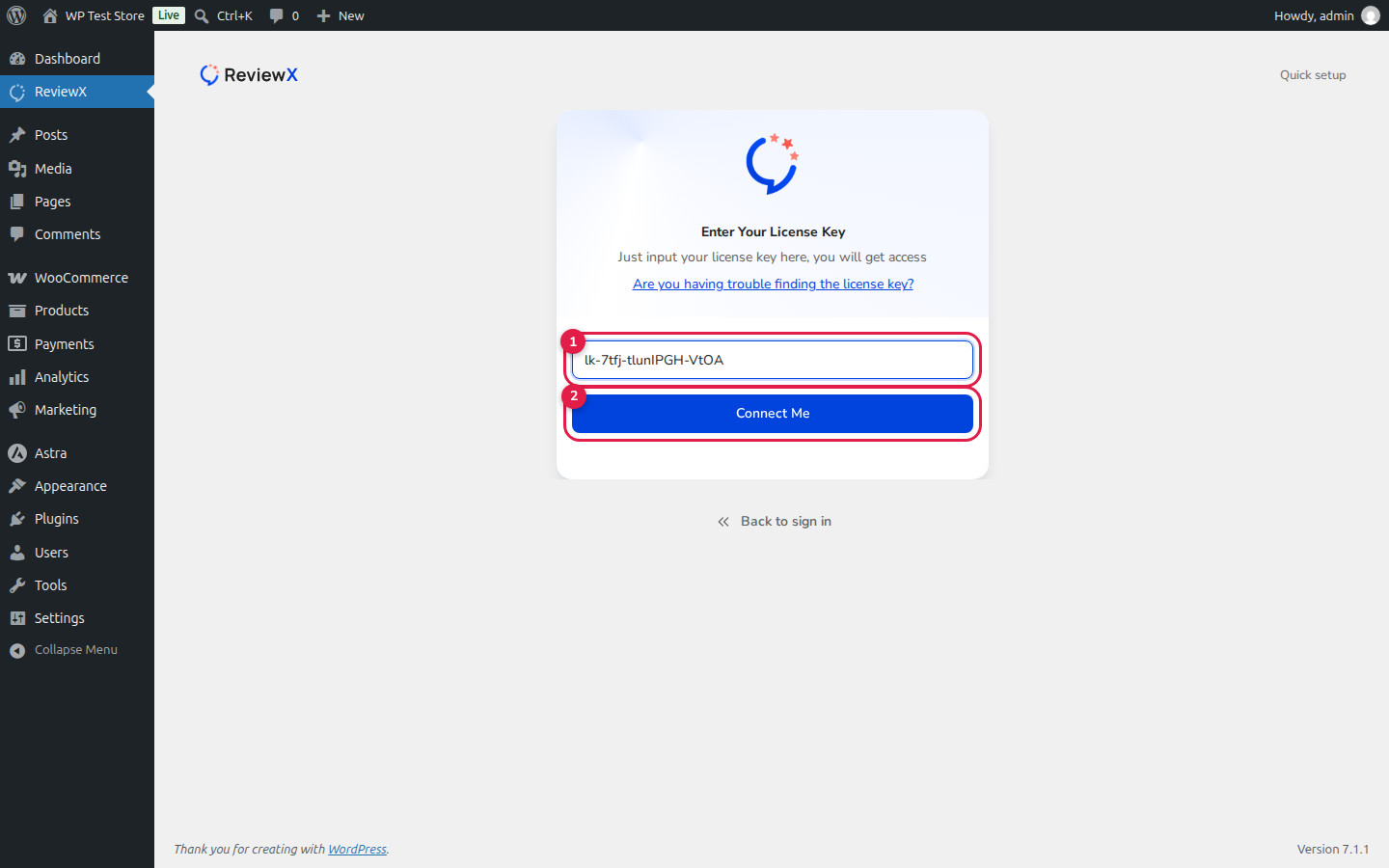
1. Check for Stray Characters in the License Key
Ensure you copied the entire license key from the Client Portal without any leading or trailing spaces. The key follows the exact pattern lk-xxxx-xxxxxxxx-xxxx. The Connect Me button remains disabled until a valid key format is entered.
2. Verify Domain Allocation Limits
Log in to your ReviewX Client Portal and open the Licenses tab. Check your active site list. If you have reached your plan’s maximum allowed domain count, deactivate an unused staging or older domain before activating a new one.
3. Verify Site Reachability (External HTTPS Access)
ReviewX uses a bi-directional cloud synchronization architecture. During onboarding, the plugin automatically performs an outbound reachability check. If your site is hosted locally behind an offline environment (like LocalWP without an active tunnel) or firewall, you may see the alert:
Ensure your store is publicly accessible over HTTPS (via a live domain or an active Cloudflare/ngrok tunnel) so the ReviewX Cloud server can verify the handshake.
4. Confirm Server Outbound Connectivity (cURL)
ReviewX communicates with the cloud backend over secure HTTPS. If your web host blocks outbound cURL requests or strict firewall rules prevent connections to external APIs, activation will fail. Check Tools → Site Health in WordPress to ensure outbound HTTP requests are permitted.
5. Clearing Cached Onboarding State
If you previously attempted to connect with an expired or canceled key, clear your browser cache or open an incognito window, navigate to ReviewX, click Skip to sign in, and re-enter your fresh license key.


