


Stores with hundreds or thousands of customer reviews face performance challenges when loading all reviews directly during initial HTML page rendering. ReviewX v2 solves this through intelligent AJAX-based review loading, ensuring maximum speed, reduced database queries, and optimized Core Web Vitals (LCP and INP).
Thank you for reading this post, don't forget to subscribe!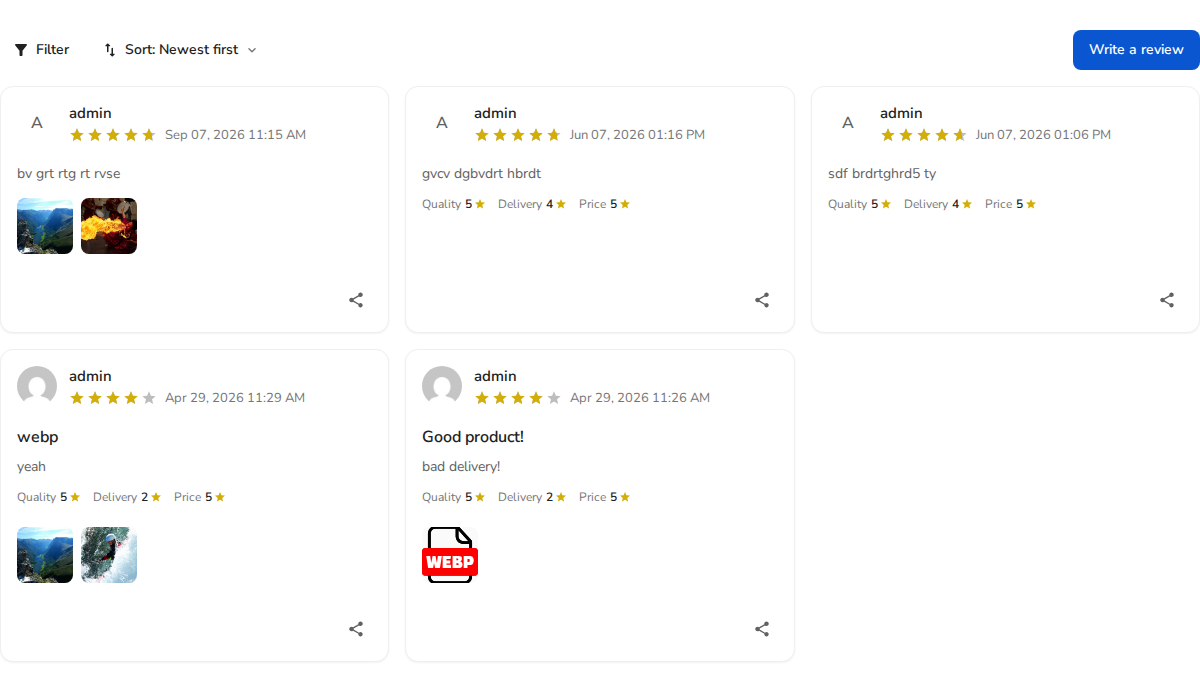
How ReviewX AJAX Loading Works
- Initial Page Optimization: The single product page renders instantly with essential product data. The ReviewX widget loads initial reviews asynchronously without blocking server response time.
- Pagination Without Page Reloads: When customers click page numbers or “Next Page”, new review cards are fetched via lightweight REST API calls and rendered dynamically without refreshing the page.
- Dynamic Filter Switching: Clicking filter tabs (Photos, Videos, 5 Stars) immediately updates the review grid through asynchronous requests, keeping shoppers engaged.
Configuring Reviews Per Page
To control how many reviews load per AJAX request:
- Navigate to ReviewX → Reviews → Widget settings.
- Under the Pagination settings, select your desired reviews per page (e.g. 5, 10, or 20).
- Click Save to apply your configuration.


