


The First Review Request Email is your primary tool for gathering verified social proof after a customer completes an order. ReviewX automates this sequence, ensuring invitations are sent at the ideal moment after product delivery.
Thank you for reading this post, don't forget to subscribe!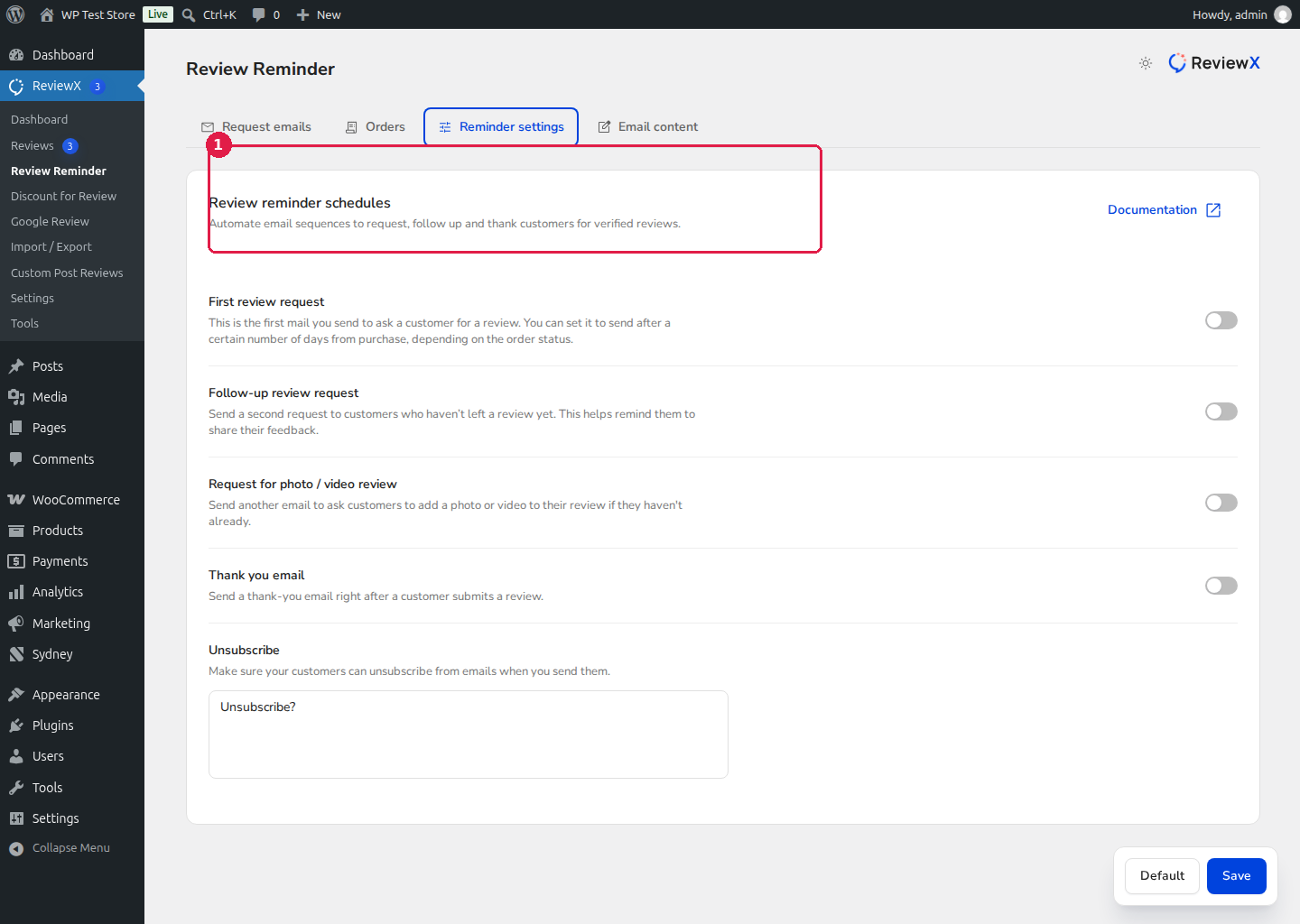
Configuring the First Review Request
- Navigate to ReviewX → Review Reminder.
- Click on the Reminder settings tab.
- Locate the First review request row [1].
- Toggle the switch On to activate the automated sequence.
- Set the delivery delay (e.g., send 3 or 7 days after order status changes to Completed) so the buyer has adequate time to experience the product.
- Click Save at the bottom right.
Monitoring Email Analytics
Track your campaign performance directly on the Review Reminder → Request emails dashboard. ReviewX provides real-time counts for Sent, Opened, Clicked, Completed, and Failed emails, helping you optimize timing and open rates.


