


Encouraging first-time buyers to submit a product review is one of the most effective strategies for overcoming initial purchase hesitation. By offering an instant discount coupon on their next purchase in exchange for their first review, you create a powerful incentive that simultaneously increases review volume and drives profitable repeat sales.
Thank you for reading this post, don't forget to subscribe!ReviewX features a specialized Discount for first review request incentive model that automatically rewards new customers when they submit their initial review through an automated reminder email.
The Repeat Purchase Incentive Flywheel
Offering a 10% to 15% discount for a customer’s first review achieves two vital goals at once: it secures authentic product social proof for prospective buyers while motivating the customer to return and place a second order within 30 days.
How the First Review Discount Workflow Operates
ReviewX manages the entire incentive lifecycle automatically without requiring manual coupon creation:
- Email Invitation with Incentive Teaser: When ReviewX dispatches the first review request email, it highlights the promotional reward (e.g., “Leave a review and get 15% off your next order!”).
- Submission Verification: The customer clicks the tokenized review link and submits their rating and comments on your product page.
- Automated WooCommerce Coupon Generation: Upon successful submission, ReviewX triggers
POST /discount/wp/createto generate a unique, single-use WooCommerce coupon code tied to the customer’s email. - Instant Delivery & One-Click Cart Apply: ReviewX sends an automated Thank You email containing the coupon code, validity period, and a direct URL that automatically applies the discount to their shopping cart.
Step-by-Step Guide: Configuring First Review Discounts
Step 1: Open Discount Settings
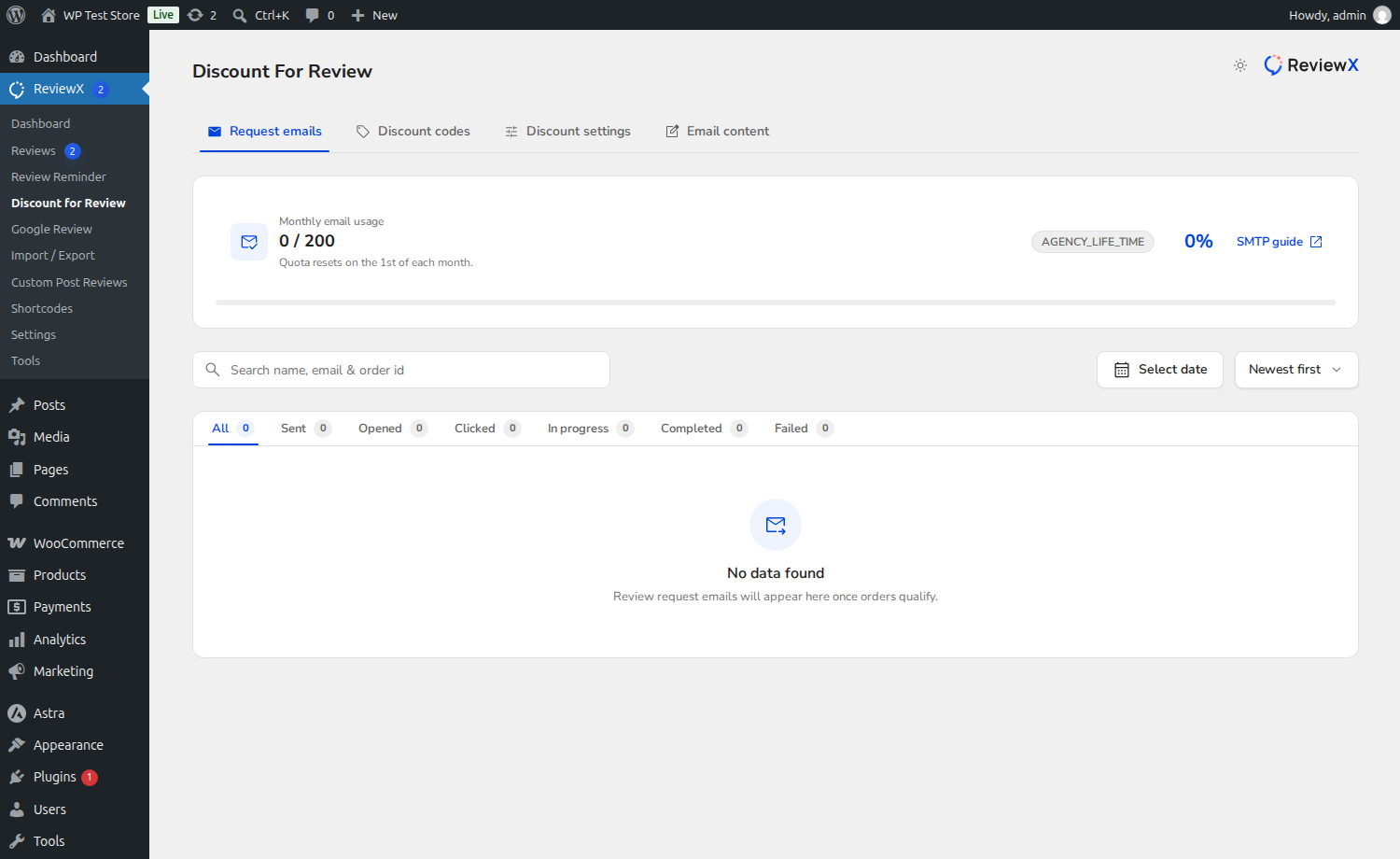
From your WordPress administrative menu, navigate to ReviewX → Review for discount.
Step 2: Locate the First Review Request Card
In the All discount tab, locate the card titled Discount for first review request (marked with Badge 1 in the screenshot above).
Step 3: Enable the Discount Toggle
Switch the active toggle (Badge 2) to the ON position. This activates coupon generation for all qualifying first-time reviewers.
Step 4: Configure Coupon Parameters
Set your desired discount rules inside the configuration fields (Badge 3):
- Discount Type: Choose between Percentage (%) or Fixed Amount ($).
- Discount Value: Enter the discount amount (e.g.,
10for 10% or $10 off). - Validity Period: Define how many days the coupon remains active before expiring (e.g.,
30 days). Adding an expiration date creates urgency to complete a second purchase. - Minimum Spend: (Optional) Set a minimum order subtotal required to redeem the coupon (e.g., $50).
Step 5: Save Settings
Click the Save button at the bottom of the form to deploy your automated incentive rules.
Coupon Security & Anti-Abuse Controls
To ensure customers cannot abuse discount incentives, ReviewX implements rigorous safeguards:
- Customer Email Restriction: Generated coupons are locked to the customer’s billing email address in WooCommerce, preventing sharing on coupon aggregator websites.
- Individual Use Only: Coupons are set to single-use per customer, preventing repeated redemption.
- Exclude Sale Items: Option to prevent coupons from applying to products that are already discounted.
Frequently Asked Questions
What happens if a customer already reviewed a previous order?
The First Review Request discount triggers strictly on the customer’s initial review. For repeat buyers submitting subsequent reviews, you can configure the Discount for follow-up review requests card.
Can I customize the email that delivers the discount code?
Yes. In ReviewX → Review for discount → Email content, you can customize the email subject line, banner graphic, copy, and button text for the coupon delivery email.
Does the discount apply automatically during checkout?
Yes. The Thank You email includes a smart link formatted as https://yourstore.com/?coupon-code=XXXXX which automatically applies the coupon code to the customer’s WooCommerce session.


