


Whether removing obvious spam, test submissions, or reviews containing policy violations, ReviewX provides a safe, two-step deletion process that prevents accidental data loss while allowing permanent database cleanup.
Thank you for reading this post, don't forget to subscribe!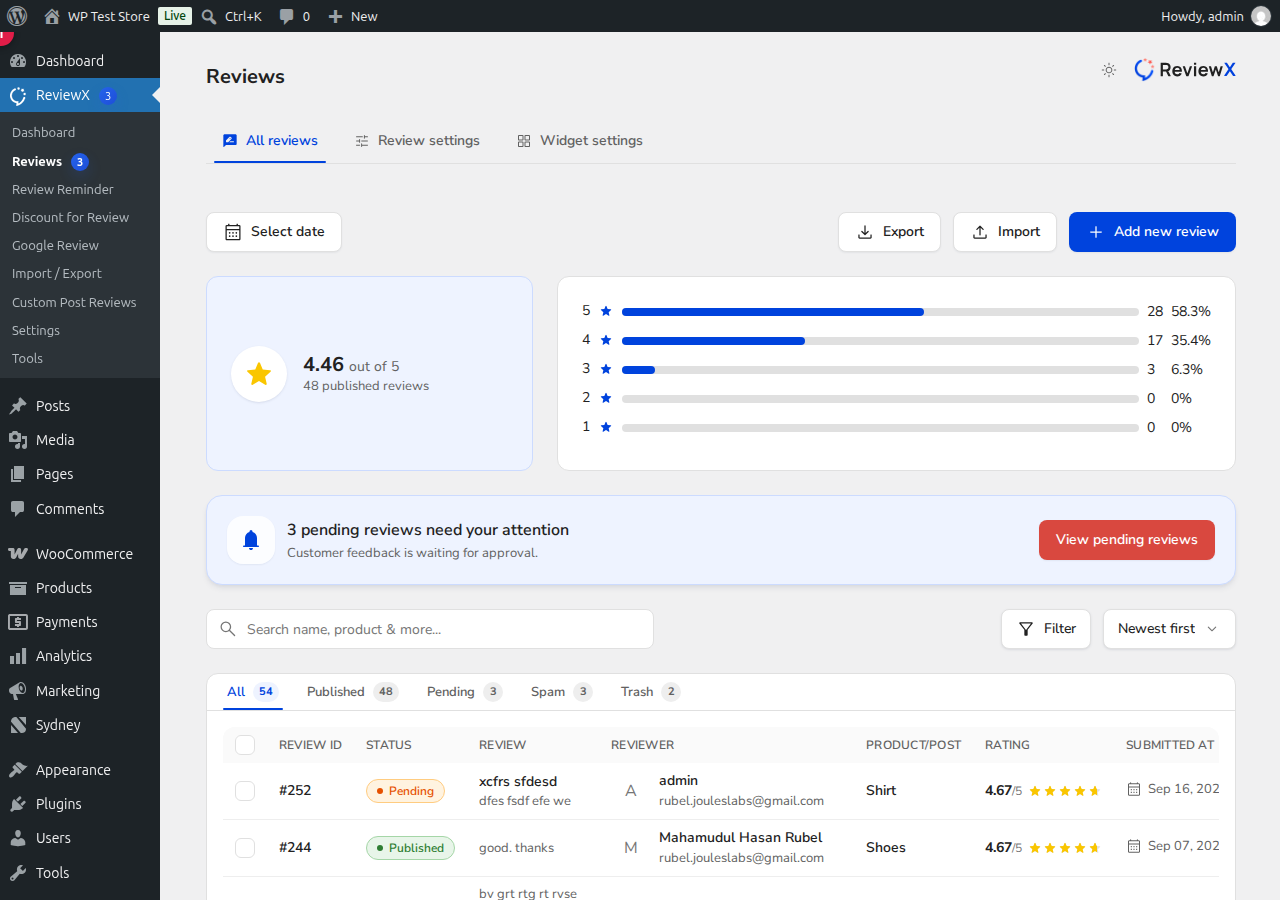
Step 1: Move Reviews to Trash
- Go to ReviewX → Reviews → All reviews.
- Locate the unwanted review in the table.
- Select the checkbox next to the review (or multiple reviews for bulk actions).
- Select Move to Trash from the bulk action dropdown or click the trash icon on the individual row.
Trashed reviews are immediately hidden from public storefront product pages, but their data remains safely recoverable in case of an error.
Step 2: Permanently Delete from Trash
- In All reviews, click on the Trash tab located above the table.
- To remove an individual review forever, click Delete Permanently.
- To purge all trashed items at once, select all rows and choose Delete Permanently from the bulk actions dropdown.
Once permanently deleted, the review records and any associated media files are completely purged from your WordPress database, and aggregate product rating scores are automatically recalculated.


