


Peer voting on product reviews allows prospective buyers to quickly identify the most insightful, detailed, and helpful testimonials. However, allowing negative “dislike” votes can sometimes invite competitor sabotage, trolling, or unfair vote brigading that diminishes constructive community discussion.
Thank you for reading this post, don't forget to subscribe!ReviewX provides fine-grained voting controls, allowing store managers to enable review voting while restricting it to positive “Like Only” interactions (similar to standard e-commerce “Was this review helpful?” mechanisms).
The Power of Positive-Only Social Proof
Restricting review feedback to “Likes” keeps your product discussions focused on helpfulness and value. Shoppers upvote detailed reviews containing photos and thorough measurements without the negativity of downvote counters.
How Like-Only Voting Functions in ReviewX
When you configure ReviewX for Like-only voting, the storefront experience adapts dynamically:
- Thumbs-Up Only UI: The review card displays a prominent thumbs-up icon accompanied by a live like counter. The thumbs-down icon is completely stripped from the rendered HTML.
- Anti-Spam Vote Tracking: ReviewX records votes using authenticated customer user IDs (for logged-in shoppers) and encrypted browser session tokens/IP hashes (for guests) to prevent vote manipulation.
- Retractable Voting: Shoppers can click the like button once to cast their vote, and click it a second time to retract or toggle their vote off.
- Sorting by Helpfulness: ReviewX allows visitors to sort the review list by “Most Helpful”, automatically prioritizing reviews with the highest like counts.
Step-by-Step Guide: Configuring Like-Only Voting
Step 1: Open Review Settings
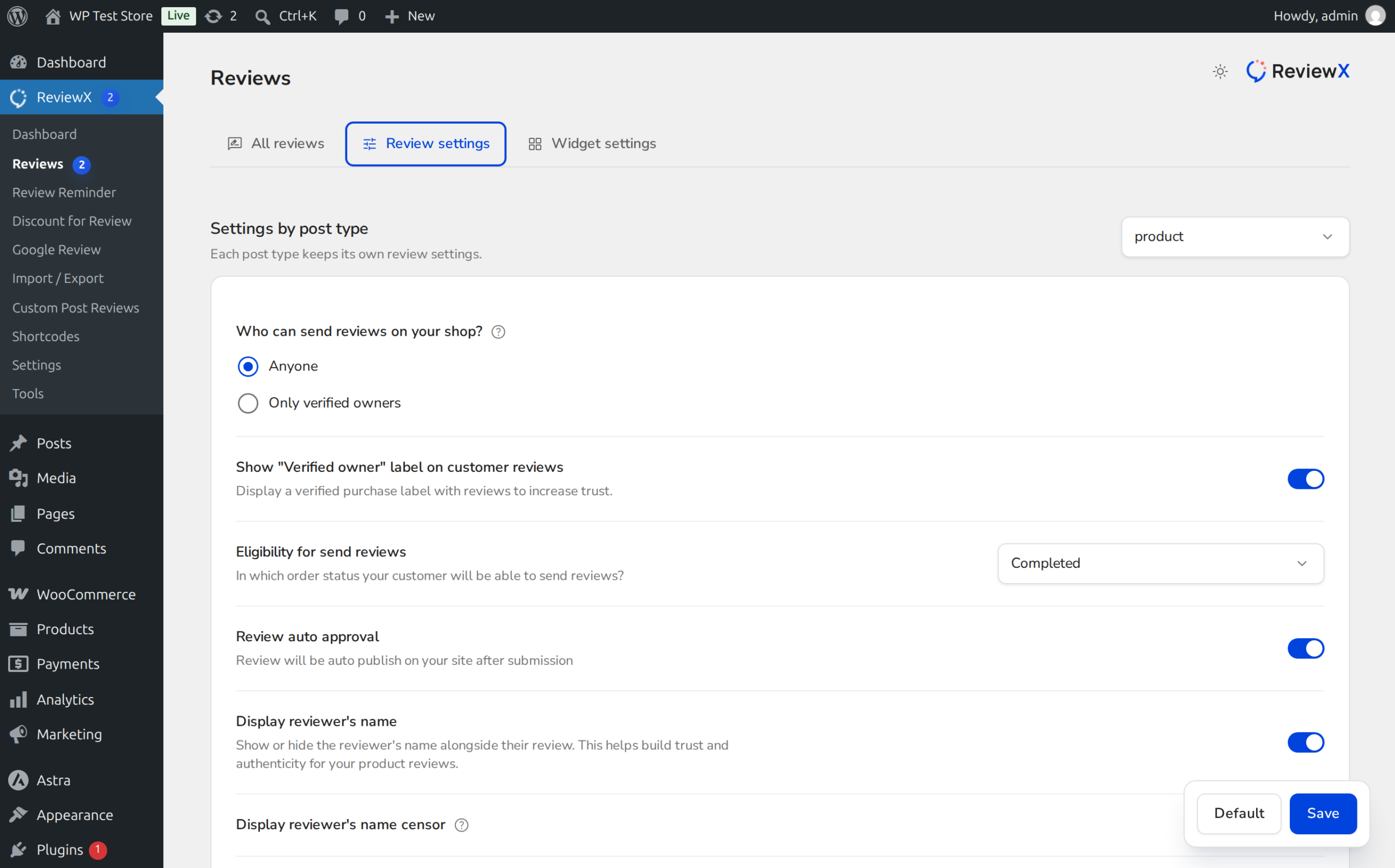
From your WordPress administrative menu, navigate to ReviewX → Reviews and select the Review settings tab at the top.
Step 2: Enable Like / Dislike Functionality
Scroll down to find the Enable like / dislike setting (marked with Badge 1 in the screenshot above). Toggle this switch to active to enable interactive voter buttons on your review cards.
Step 3: Restrict to Likes Only
Directly beneath the parent toggle, configure the sub-option Allow likes (Badge 2) while leaving dislikes disabled. This tells the ReviewX rendering engine to hide all negative voting elements across product pages.
Step 4: Save Review Settings
Click the Save button at the bottom of the page to apply the voting configuration store-wide.
Voting Configuration Modes in ReviewX
| Mode | Storefront Visuals | Recommended Use Case |
|---|---|---|
| Disabled | No voting icons or counters appear | Minimalist stores with low review volume where voting buttons would look sparse. |
| Like Only (Recommended) | Thumbs-up button + helpfulness counter | Standard e-commerce stores wanting positive community engagement without downvoting abuse. |
| Like & Dislike Enabled | Both thumbs-up and thumbs-down buttons | Community forums, tech hardware hubs, or peer-review marketplaces where two-way voting is standard. |
Frequently Asked Questions
Can visitors vote multiple times on the same review?
No. ReviewX validates voter identity via user ID for registered members and secure browser session cookies for guests, preventing multiple votes on the same review.
Can store managers see who liked a review?
Like counts are aggregated in wp_commentmeta under the review ID. Total counts are visible in the WordPress admin review table.
Can I customize the color of the like button?
Yes. You can customize the active and hover states of the like icon in the WordPress Live Customizer under Appearance → Customize → ReviewX → Review List.


