


As your eCommerce store evolves, you may occasionally need to modify your review metrics. For example, if you discontinue an apparel line in favor of accessories, a criterion like “Fabric Stretch” or “Sleeve Length” may no longer be relevant. Before removing a criterion, store owners frequently ask: “Will deleting a criteria delete past customer ratings or damage historical reviews?”
Thank you for reading this post, don't forget to subscribe!The short answer is no. ReviewX is architected with strict historical data preservation. This guide explains what occurs in your database and on your storefront when a review criterion is removed.
1. Database Data Retention & Historical Integrity
When a customer submits a review in ReviewX, their ratings for each criterion are permanently stored in the WordPress database table wp_commentmeta tied to that specific review comment ID:
- Past Reviews Are Never Altered: Deleting a criterion from your admin settings does not retroactively delete past scores from the database. The numerical ratings (1–5 stars) previously recorded remain attached to historical comments.
- Overall Average Rating Remains Protected: A product’s overall aggregate star score is calculated from the historical submissions. Removing a criterion from future forms does not drop or artificially recalculate previous aggregate ratings.
- Zero Broken Data Links: ReviewX handles missing or retired criteria gracefully without throwing PHP notices or broken template tags.
2. What Changes Immediately on Your Storefront
While past data remains securely intact in your database, deleting a criterion changes the front-facing submission and aggregation workflow moving forward:
- New Review Forms: Future shoppers submitting reviews will no longer see the removed criterion in the review modal or product page form.
- Criteria Summary Graph: The aggregate criteria graph widget (
[rvx-criteria-graph]) only queries and graphs currently active criteria. The retired metric is omitted from the top-level product summary bars. - Individual Review Cards: Newly submitted reviews will only display ratings for active criteria. Older reviews preserve their legacy criteria scores in their metadata.
3. Step-by-Step: How to Safely Remove a Criterion
To remove a criterion that is no longer relevant to your products:
- Navigate to ReviewX → Reviews → Review settings in your WordPress admin.
- Locate the Multi-criteria reviews section.
- Identify the criterion you wish to retire.
- Click the red Delete (Trash) icon on the right side of that criteria row.
- Confirm that your remaining criteria represent your target evaluation metrics.
- Click Save at the bottom of the screen.
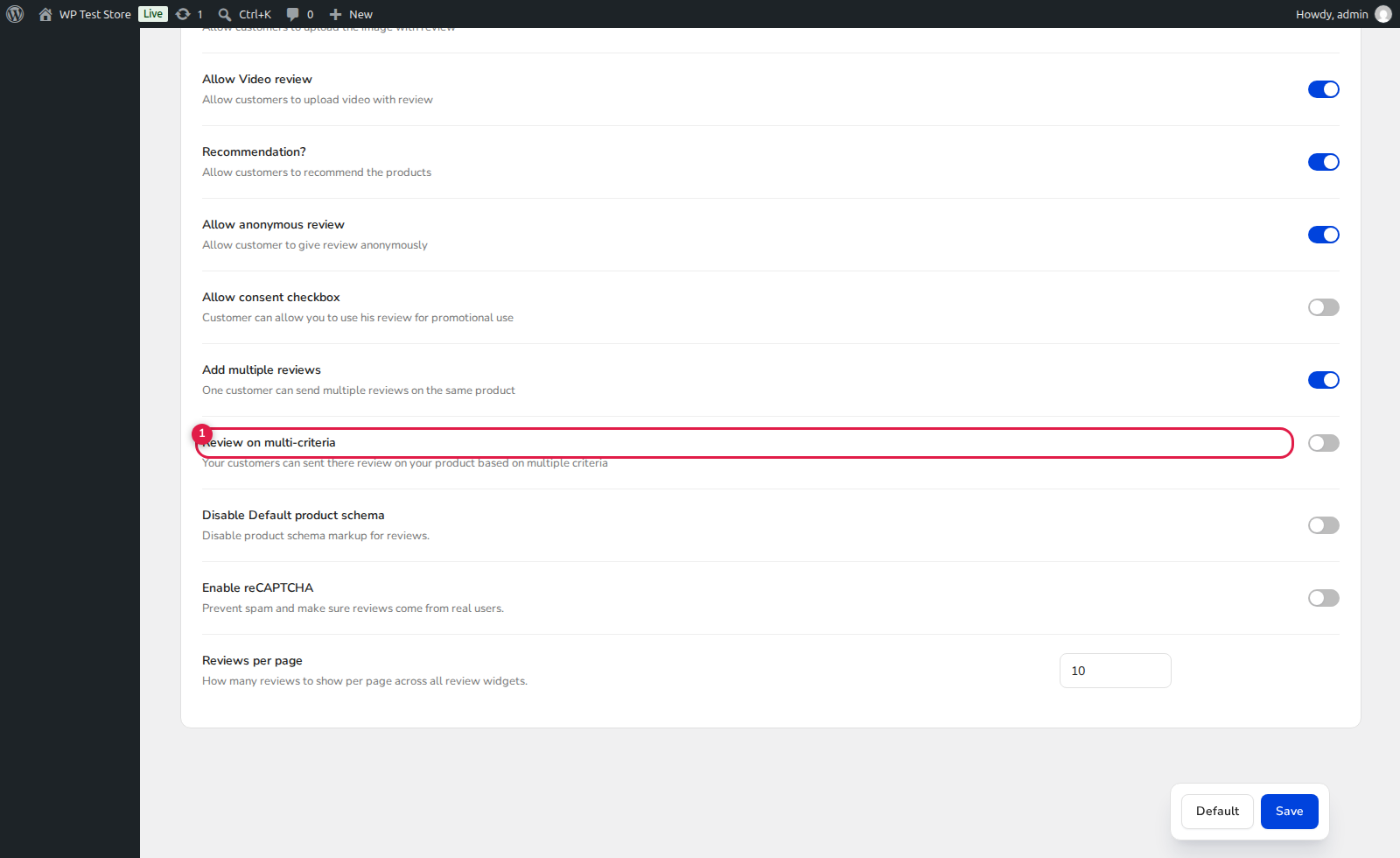
(4) Remove Criterion Button: Instantly detaches the criterion from active review forms while preserving historical comment records.
(5) Save: Immediately purges the transient cache and updates storefront widgets.
4. Best Practice: Retiring vs. Renaming Criteria
If a metric is truly obsolete, delete it and add a new one rather than drastically redefining its purpose. For instance, do not rename an old criterion from “Battery Life” to “Fabric Softness”. Renaming changes the label on past reviews, causing old battery ratings to falsely display under fabric softness. Always delete obsolete criteria and create fresh ones for new metrics.


