


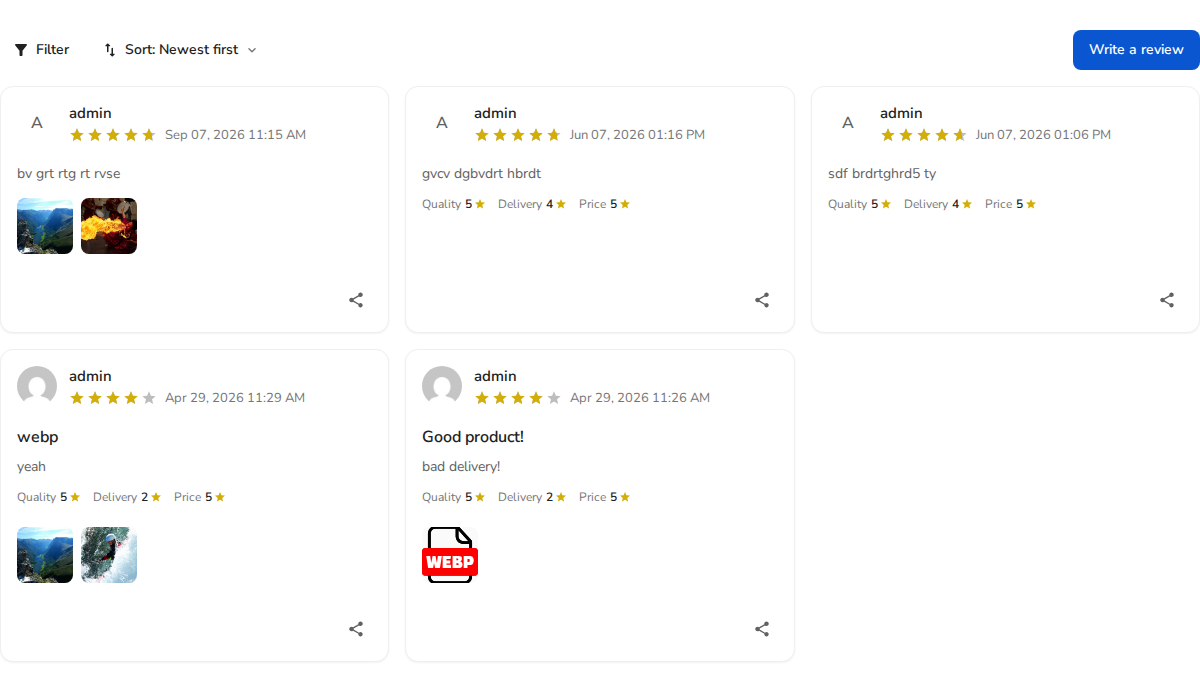
The [rvx-reviews] shortcode allows you to display a curated hand-picked list of specific reviews by their comment IDs. Rather than displaying every review for a product, this shortcode is designed for testimonial showcases, social proof grids on landing pages, and highlighting your best customer success stories.
Shortcode Syntax
Pass a comma-separated list of review (comment) IDs into the ids attribute:
[rvx-reviews ids="14,28,35"]How to Find Review IDs
- In your WordPress admin dashboard, navigate to ReviewX → Reviews.
- In the All reviews table, locate the customer review you wish to highlight.
- Hover over or click Edit on the review row. The review ID is displayed in the drawer header and the URL (e.g.
id=28). - Copy the desired review IDs and insert them into your shortcode:
[rvx-reviews ids="28,32"].
Block Editor Support
You can also insert the ReviewX Reviews with IDs block (reviewx/reviews-with-ids) in Gutenberg and enter your IDs directly in the block settings inspector.


