


Automated review requests are the most effective way to consistently collect verified customer reviews. In ReviewX, the Review Reminder system allows you to build an automated email schedule triggered after WooCommerce orders reach completed status.
Thank you for reading this post, don't forget to subscribe!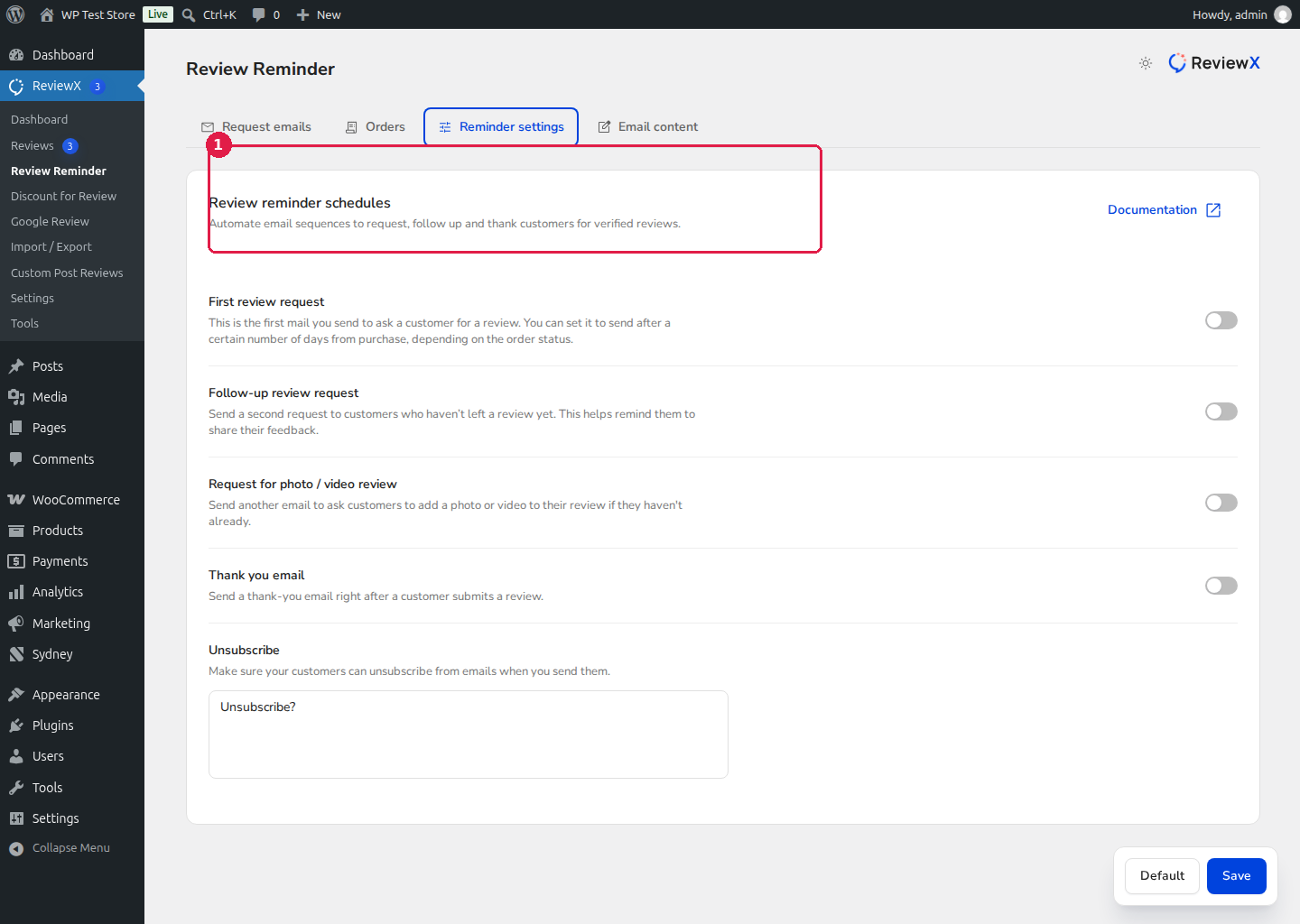
How to Configure Automated Reminders
- In your WordPress admin menu, navigate to ReviewX → Review Reminder.
- Click the Reminder Settings tab.
- Under the Review Reminder card, toggle Automated review reminder [1] to ON.
- Set the schedule parameters [2]:
- Trigger event: Orders reaching Completed status.
- Schedule delay: Specify the number of days to wait after order completion before dispatching the reminder (e.g. 7 days to give customers time to receive and use their items).
- (Optional) Configure follow-up reminders and photo review incentives in the adjacent setting cards.
- Click Save [3] to activate the automated queue.
Customizing Email Content
Navigate to the Email Content tab to tailor the subject line, greeting, button colors, and store branding to match your eCommerce shop identity.


