


In competitive search results, visual distinction makes the difference between a clicked link and a missed sale. Rich snippet star ratings in Google search engine result pages (SERPs) provide immediate social proof, increase brand credibility, and have been proven to lift organic click-through rates (CTR) by 20% to 35%. ReviewX features a built-in structured data engine that automatically generates Google-compliant Schema.org JSON-LD markup for your WooCommerce products and custom post types.
Thank you for reading this post, don't forget to subscribe!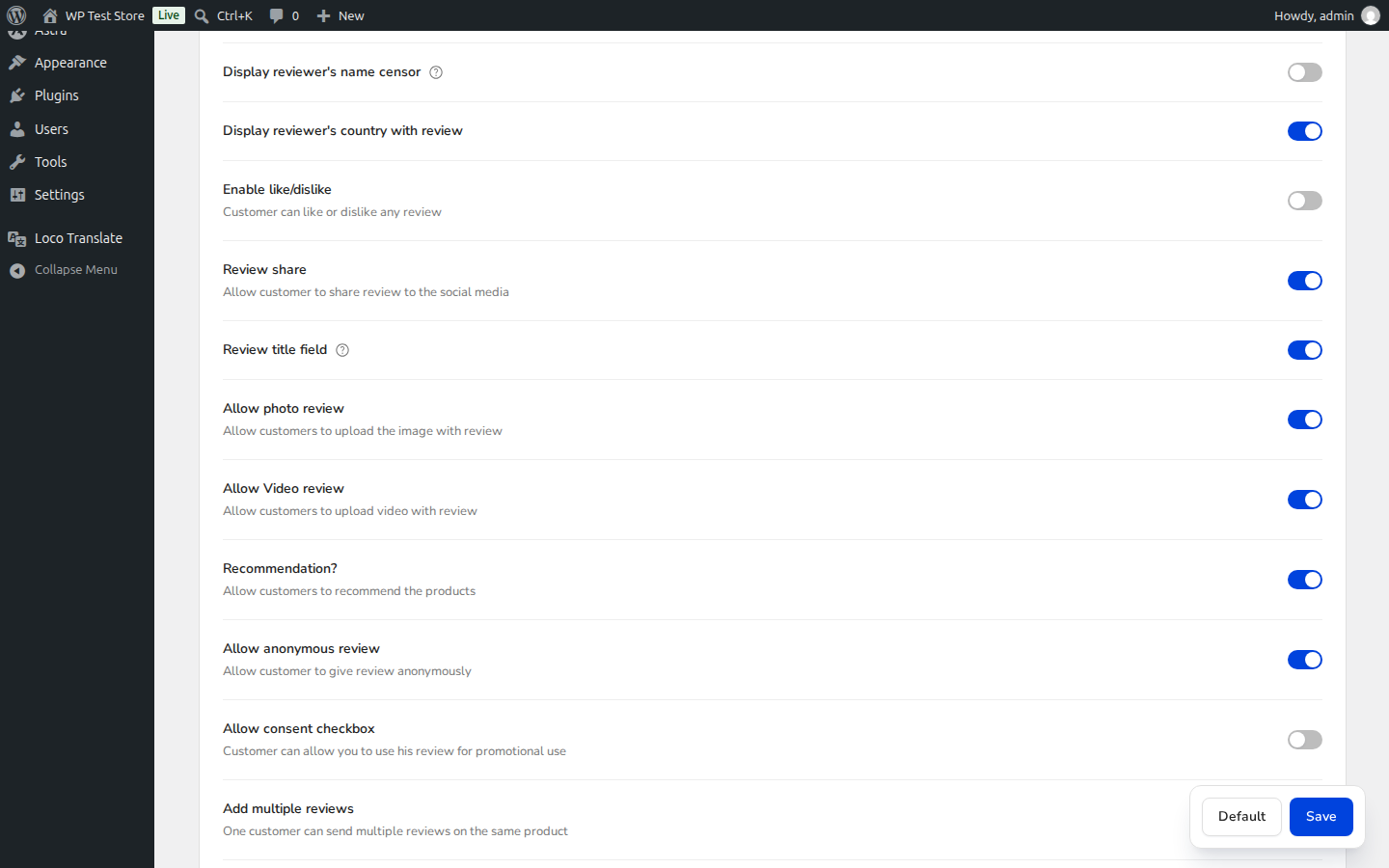
SEO Advantage of ReviewX Structured Data
ReviewX injects valid Schema.org JSON-LD directly into the HTML header of single product pages. Googlebot crawls this structured data to index your average rating, total review count, individual customer testimonials, and pricing details—enabling coveted golden star snippets directly in search results.
ReviewX Structured Data Architecture
When customer reviews are submitted and approved, ReviewX dynamically compiles and outputs the following schema entities:
| Schema Property | Type | Description |
|---|---|---|
@type |
Product / ItemPage | Defines the entity as a purchasable e-commerce product or custom post type. |
aggregateRating |
AggregateRating | Contains ratingValue (average score), reviewCount (total reviews), and bestRating (5). |
review |
Array of Review | Individual review items containing author, reviewRating, reviewBody, and datePublished. |
Managing the Product Schema Toggle in ReviewX
In your WordPress admin sidebar, navigate to ReviewX → Reviews → Review settings. Scroll down to locate the Disable default product schema option (marked with Badge 1):
- Switch OFF (Default): ReviewX automatically generates and outputs full Google Product and AggregateRating schema on every product page.
- Switch ON: ReviewX suppresses its own schema generation. Enable this if your store uses an enterprise SEO plugin (such as Rank Math Pro, Yoast WooCommerce SEO, or Schema Pro) that is already configured to output product schema, preventing duplicate schema conflicts.
Step-by-Step Configuration & Verification Guide
Step 1: Verify Schema Setting
Navigate to ReviewX → Reviews → Review settings. If ReviewX is your primary review and rating system, ensure Disable default product schema remains toggled OFF.
Step 2: Check Reviews Per Page
Directly beneath the schema setting, verify the Reviews per page value (marked with Badge 2). ReviewX uses this value to paginate customer reviews cleanly without overwhelming Googlebot’s DOM rendering budget.
Step 3: Save Changes
Click the Save changes button at the bottom of the page to apply your settings.
Step 4: Test in Google Rich Results Test
To verify your live schema output:
- Visit the official Google Rich Results Test.
- Enter the URL of any published WooCommerce product that has at least one approved review.
- Click Test URL.
- Verify that the test reports: Product snippets: Valid and displays your aggregate star rating and review count preview.
Resolving Common Google Schema Warnings
If Google reports optional field warnings such as priceValidUntil, sku, or brand, ensure these fields are populated within WooCommerce product data. These are optional enhancements that do not prevent your star ratings from rendering in search results.


