


Rather than blasting your entire customer list indiscriminately, ReviewX lets you filter WooCommerce orders before triggering review reminder emails. This ensures reminders reach the right buyers at the ideal time while excluding refunded, canceled, or delayed orders.
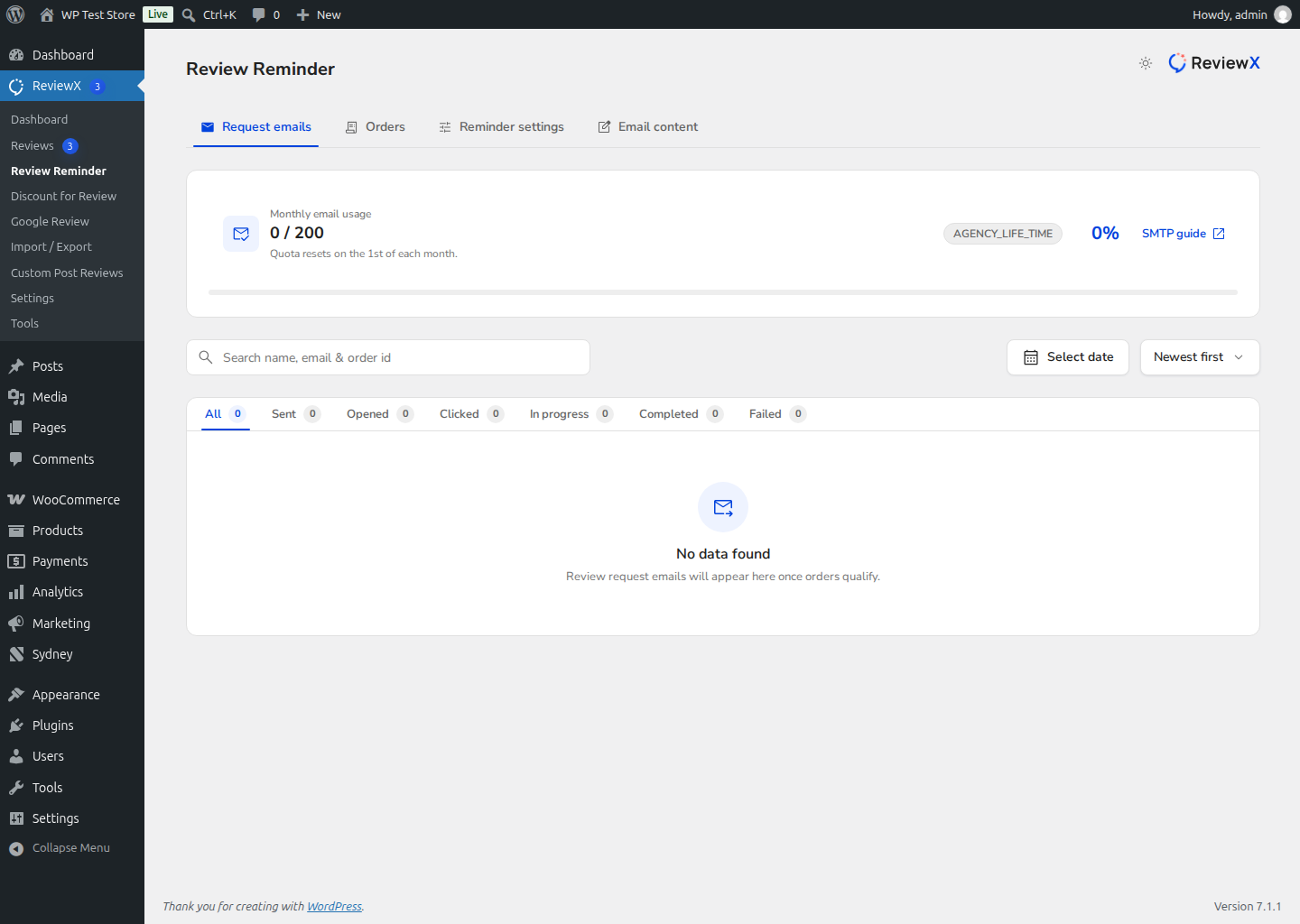
How to Filter Orders Before Sending Reminders
- Navigate to ReviewX → Review Reminder.
- Click the Orders tab to display eligible customer purchases.
- Apply filtering controls:
- Search Query: Search by customer name, email address, or specific WooCommerce order number.
- Date Range: Filter orders completed within a specific timeframe (e.g. past 14 days).
- Order Status: Ensure only successfully delivered or completed orders are targeted.
- Review the filtered list to verify customer eligibility.
- Select eligible orders and click Send Reminder or add them to your automated reminder queue.
Incentivizing Customer Feedback
Combine targeted reminder filters with ReviewX’s Discount for Review module to offer personalized coupons in exchange for photo and video reviews.


