


In modern e-commerce, a simple 5-star rating tells only part of the story. A pair of running shoes might be exceptionally comfortable but run half a size small; an electronic gadget might deliver outstanding audio quality but have mediocre battery life. Gathering feedback across distinct product dimensions gives prospective buyers granular clarity and empowers store owners with actionable product development insights. ReviewX features a robust Multi-Criteria Rating System that allows you to define custom rating criteria, assign them globally or per post type, and showcase detailed rating bars on your storefront.
The Conversion Power of Granular Feedback
Shoppers are 3x more likely to purchase when they can evaluate specific product characteristics—such as Fit, Comfort, and Build Quality—rather than relying on an ambiguous overall star average.
How Multi-Criteria Rating Works in ReviewX
When Multi-Criteria Rating is enabled, ReviewX transforms both the review collection process and the storefront review display:
- Review Submission Modal: Instead of a single rating star selector, customers rate each defined criterion individually on a 5-star scale.
- Weighted Aggregate Calculation: ReviewX averages the scores across all criteria to compute the overall review score while preserving individual criteria metrics.
- Storefront Rating Summary: The review overview block displays interactive visual progress bars showing the average rating for each criterion (e.g. Quality: 4.8/5, Comfort: 4.7/5, Value for Money: 4.5/5).
Step-by-Step Configuration Guide
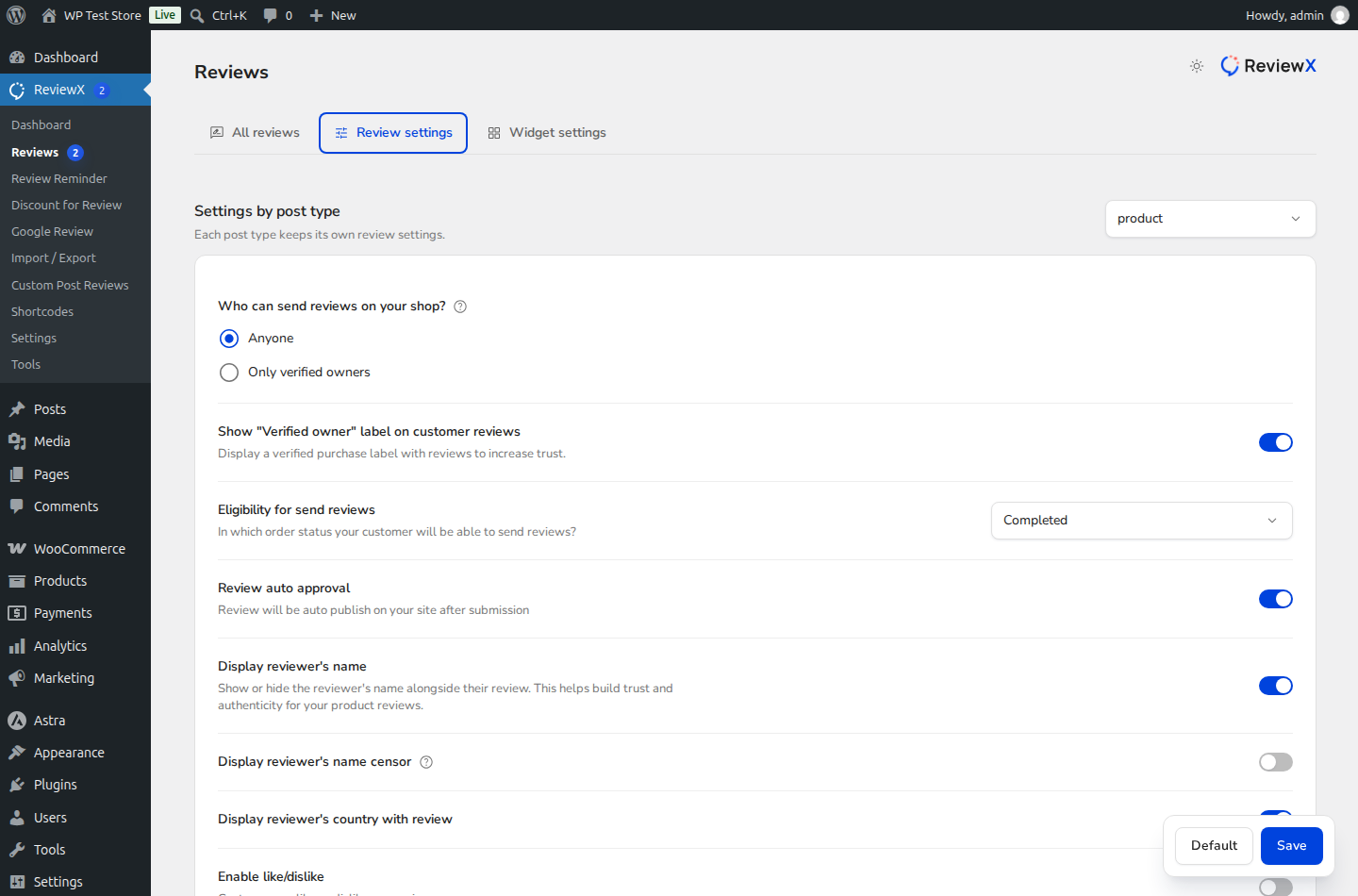
Step 1: Open Review Settings
Navigate to ReviewX → Reviews in your WordPress dashboard and click on the Review settings tab.
Step 2: Enable Multi-Criteria Reviews
Scroll down to the Multi-criteria reviews row (marked with Badge 1). Toggle the switch to the ON position.
Step 3: Manage Your Rating Criteria
Enabling the toggle immediately expands the interactive Multi-Criteria Editor (marked with Badge 2):
- Review Default Criteria: ReviewX provides standard criteria (e.g., Quality, Price, Comfort).
- Add New Criteria: Type a custom label (e.g., Battery Life, Sizing Accuracy, Ease of Assembly) into the input field and click Add criteria.
- Remove Unneeded Criteria: Click the trash icon next to any criterion to remove it from future review forms.
Step 4: Save Settings
Click the Save changes button at the bottom of the page. All subsequent customer review submissions will feature your customized rating dimensions.
Best Practices by Product Category
Tailor your criteria to match your product catalog for maximum relevance:
| Industry / Catalog | Recommended Rating Criteria |
|---|---|
| Fashion & Apparel | Fit Accuracy, Fabric Quality, Comfort, Style |
| Consumer Electronics | Build Quality, Performance, Battery Life, Ease of Setup |
| Home & Furniture | Durability, Assembly Ease, Material Quality, Design |


