


Because ReviewX handles heavy tasks like automated reminder emails and data syncs via the cloud, you must connect your WordPress site to the ReviewX SaaS platform to unlock its features.
Step 1: Go to ReviewX Settings
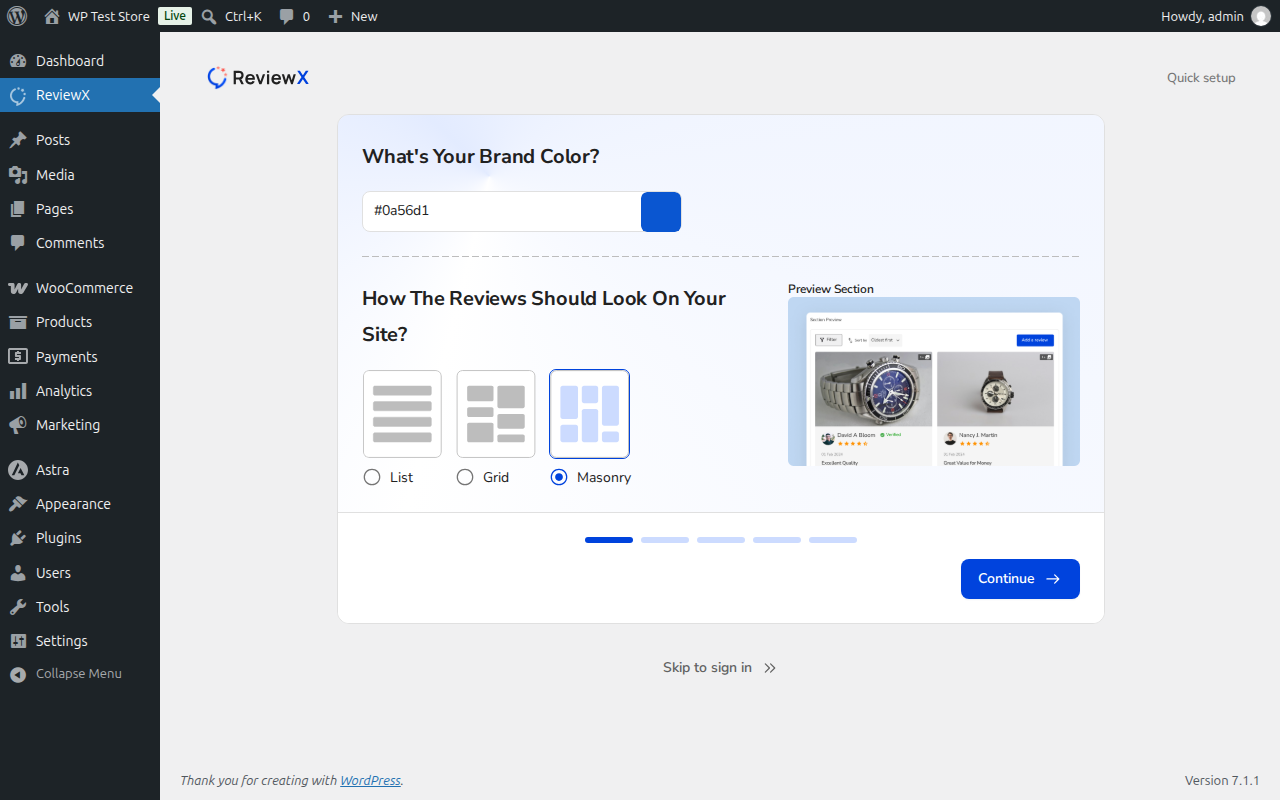
After installing and activating the plugin, navigate to ReviewX in your WordPress sidebar. If this is your first time, you will immediately be greeted by the Onboarding Setup Wizard.
Step 2: Enter Your License Key
You will see a prompt titled “Enter Your License Key”.
- Paste the License Key you received from the ReviewX Client Portal (this applies to both Free and Pro accounts).
- Click Connect Me.
Once connected, your plugin will sync securely with the cloud portal and you will be redirected to the actual ReviewX dashboard!


