


If you have purchased the Pro version of ReviewX or downloaded the free version directly from WordPress.org as a `.zip` file, you will need to manually upload and install it via your WordPress dashboard.
Installation Steps
- Log in to your WordPress Admin panel.
- Navigate to Plugins → Add New Plugin.
- At the top of the page, click the Upload Plugin button.
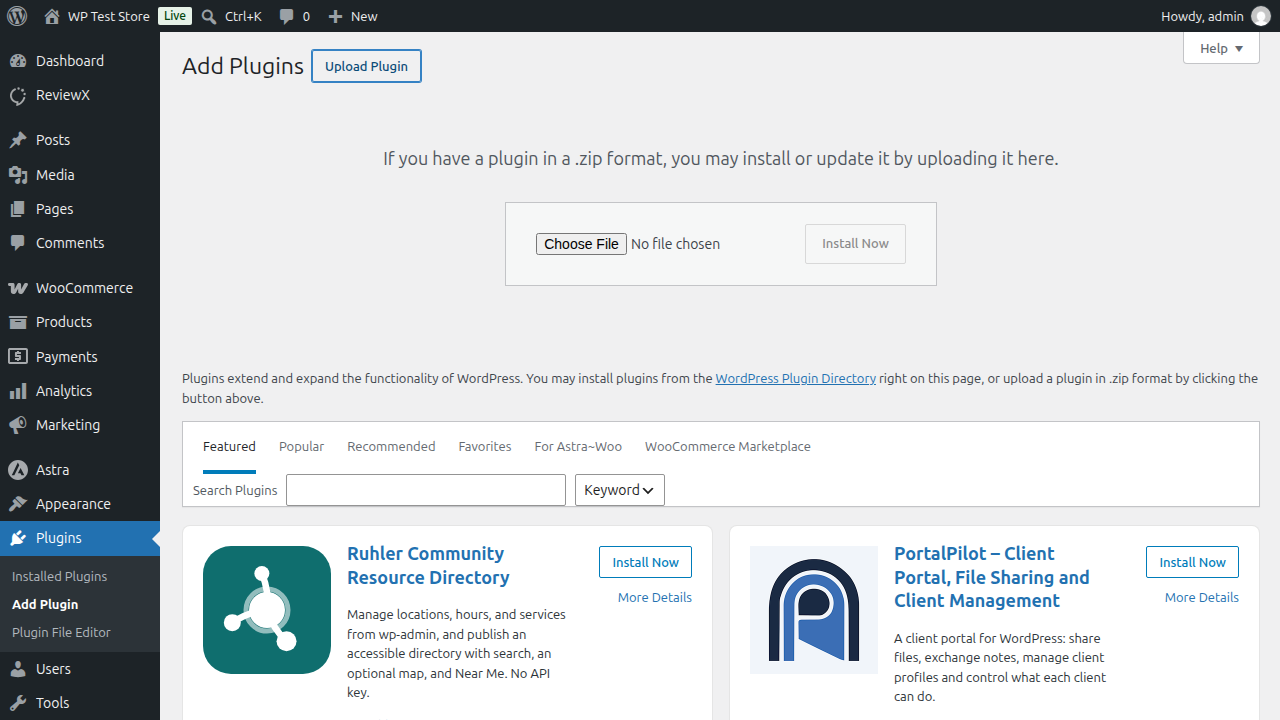
- Click Choose File and select the `reviewx.zip` file from your computer.
- Click Install Now.
- Once the installation is complete, click Activate Plugin.


