


Oxygen Builder is renowned for its lightweight, clean-code architecture. When designing custom WooCommerce single product layouts with Oxygen, you can easily integrate ReviewX inside Oxygen’s Tabs component using a standard Shortcode or Code Block element.
Thank you for reading this post, don't forget to subscribe!This guide explains how to add and configure a dedicated ReviewX reviews tab inside Oxygen Builder.
Step 1: Open Your Oxygen Product Template
- In your WordPress admin dashboard, navigate to Oxygen → Templates.
- Edit your Single Product template (or create a new template with the condition Singular → Products).
- Click Edit with Oxygen to open the builder interface.
Step 2: Add an Oxygen Tabs Component
- Click + Add → Composite → Tabs (or search for Tabs in Oxygen’s element panel).
- Select the tab content area designated for customer feedback.
- Inside that tab content container, add a Shortcode element (or a Code Block element).
- Enter the ReviewX shortcode:
[rvx-woo-reviews] - Note: Oxygen’s dynamic context ensures ReviewX automatically detects the single product being viewed without requiring a static
product_id.
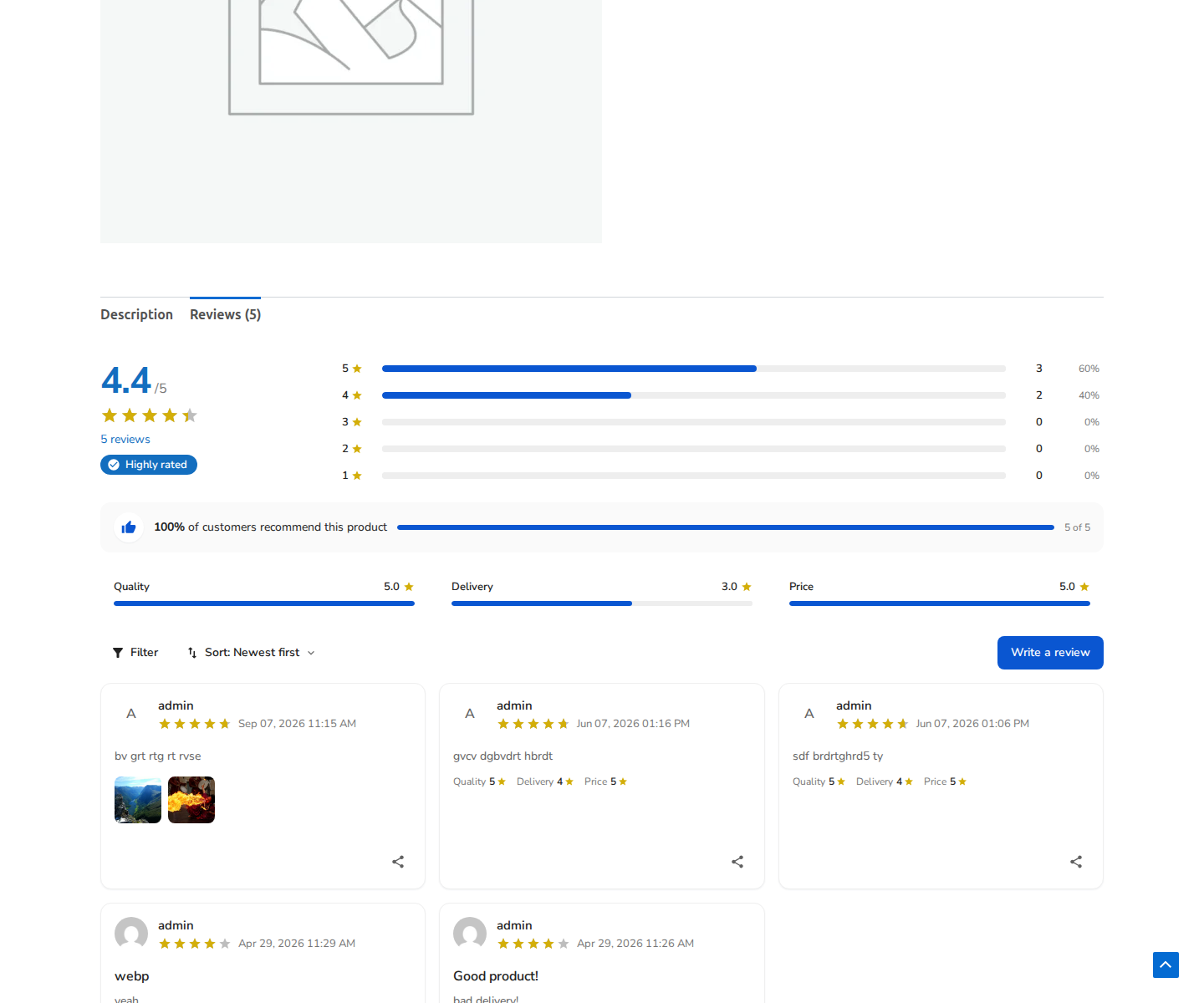
Figure 1: Live single product preview with ReviewX reviews organized inside a tabbed container.
Step 3: Styling the Tabs in Oxygen
- Tab Headers: Adjust padding, active border color, and typography using Oxygen’s visual properties panel.
- Content Container: Set minimum padding (e.g. 24px) around the shortcode wrapper to ensure clean separation from tab borders.
Step 4: Save & Test Frontend Rendering
- Click Save in Oxygen Builder.
- Visit an active product page on your storefront.
- Click on the Reviews tab to confirm that the ReviewX star summary, criteria breakdown, and submission form render cleanly.


