


Not every eCommerce store needs every filter displayed in the storefront widget. If your catalog does not collect video reviews, or if you prefer a streamlined interface without star-by-star sorting tabs, ReviewX lets you toggle each individual filter on or off.
Thank you for reading this post, don't forget to subscribe!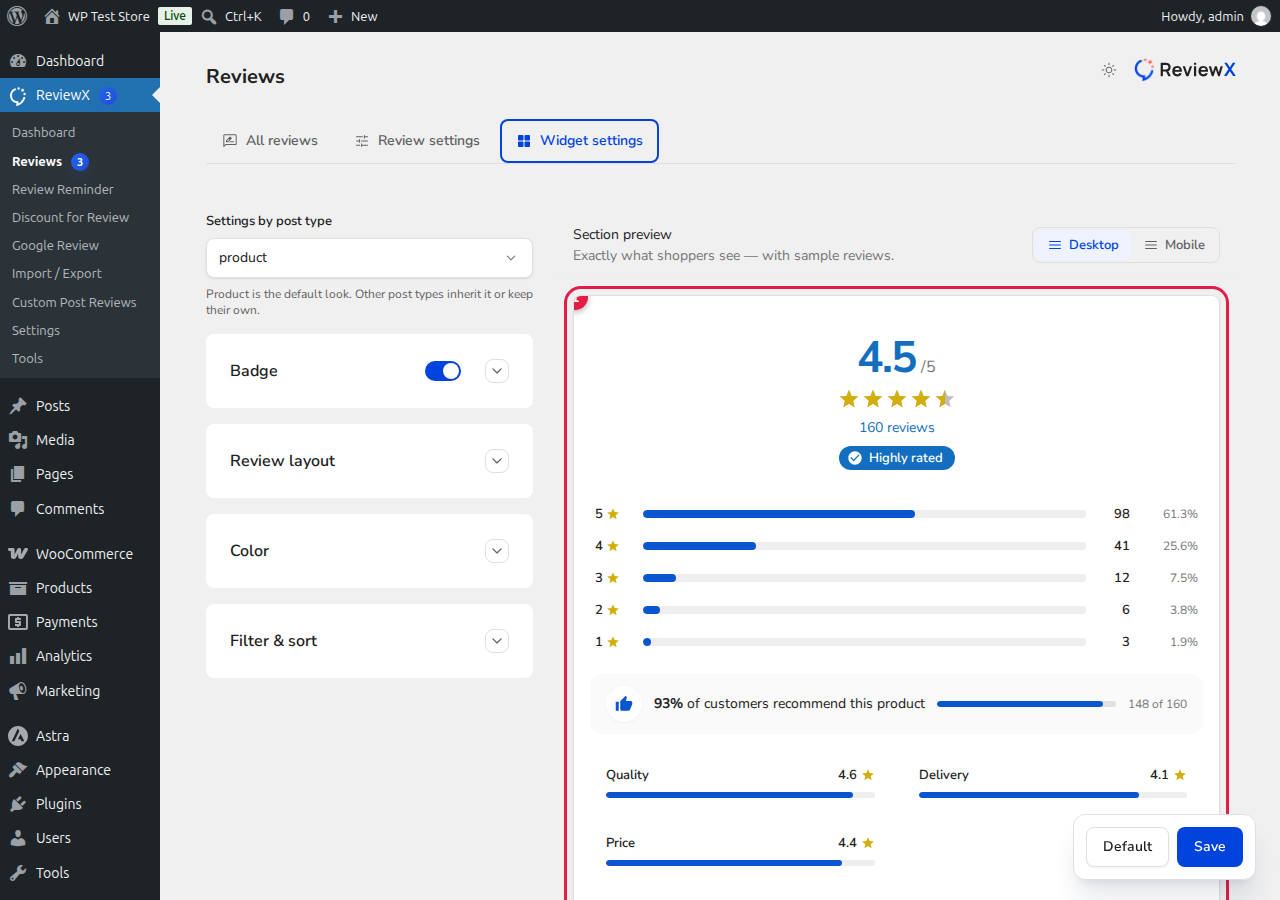
How to Customize Review Filters
- In your WordPress admin dashboard, navigate to ReviewX → Reviews.
- Click the Widget settings tab.
- Scroll down to the Review Filter and Sort section.
- Toggle individual filter options ON or OFF:
- Photo / Video Filter: Allows customers to filter reviews containing image or video attachments.
- Rating Filter: Displays tabs to isolate 5-star, 4-star, 3-star, 2-star, or 1-star reviews.
- Sorting Dropdown: Enables the sorting select menu (Newest, Oldest, Highest Rating, Lowest Rating).
- Click the Save button to publish your changes to the live storefront widget.


