


Collecting a consistent stream of authentic customer feedback is essential for building social proof and scaling e-commerce sales. However, relying on customers to spontaneously return to your store to write a review yields low response rates. Automating post-purchase review request emails ensures that every verified buyer is prompted to share their experience at the perfect moment after receiving their order.
Thank you for reading this post, don't forget to subscribe!ReviewX features an enterprise-grade Review Reminder automation engine that automatically monitors WooCommerce order fulfillments, schedules timed review request emails, and delivers personalized review invitations directly to your customer’s inbox.
The Optimal Review Request Window
Sending a review request immediately upon order completion can result in premature reviews before the package arrives. Setting a strategic delay (such as 5 to 7 days after fulfillment) allows customers to unbox, use, and appreciate the product, boosting positive response rates by up to 40%.
How the Review Reminder Engine Operates
ReviewX manages email scheduling through an autonomous background pipeline that offloads intensive tasks from your WordPress hosting server:
- Order Fulfillment Trigger: When an order reaches your designated eligibility status (typically
Completed), ReviewX records the order items in its automation queue. - Daily Dispatch Sequence: The ReviewX SaaS engine executes scheduled reminder sweeps (daily at 13:00 store time), verifying that the configured day delay has elapsed.
- Tokenized Magic Links: Each email contains a secure, single-use authentication link that automatically logs the customer in and directs them straight to the product review form without password barriers.
- Automated Completion Suppression: Once a customer submits their review, ReviewX immediately marks the order item complete and suppresses all future reminder emails for that purchase.
Step-by-Step Guide: Setting Up Automated Review Reminders
Step 1: Open Review Reminder Settings
From your WordPress administrative menu, navigate to ReviewX → Review Reminder and select the Reminder settings tab at the top.
Step 2: Enable the Review Reminder Master Switch
Locate the primary Enable review reminder toggle (marked with Badge 1 in the screenshot above) and switch it to active. This activates the automated reminder pipeline for all future qualifying orders.
Step 3: Configure Trigger Status and Timing
Under the schedule configuration section (Badge 2):
- Order Status: Select the WooCommerce order status that initiates the reminder timeline (e.g.,
Completed). - Review Request Delay: Set the number of days to wait after order completion before dispatching the first email (e.g.,
5 daysor7 days).
Step 4: Configure the Multi-Stage Email Sequence
ReviewX allows you to configure multi-stage reminder flows to maximize review volume (Badge 3):
- First Review Request: The initial post-delivery invitation.
- Follow-Up Reminder: A gentle nudge sent 3 to 5 days later if the first email wasn’t answered.
- Photo/Video Request: An invitation specifically encouraging customers to upload photos or videos in exchange for special rewards.
Step 5: Save Settings
Click the Save button at the bottom of the page to deploy your automated reminder sequence.
Deliverability & Custom SMTP Configuration
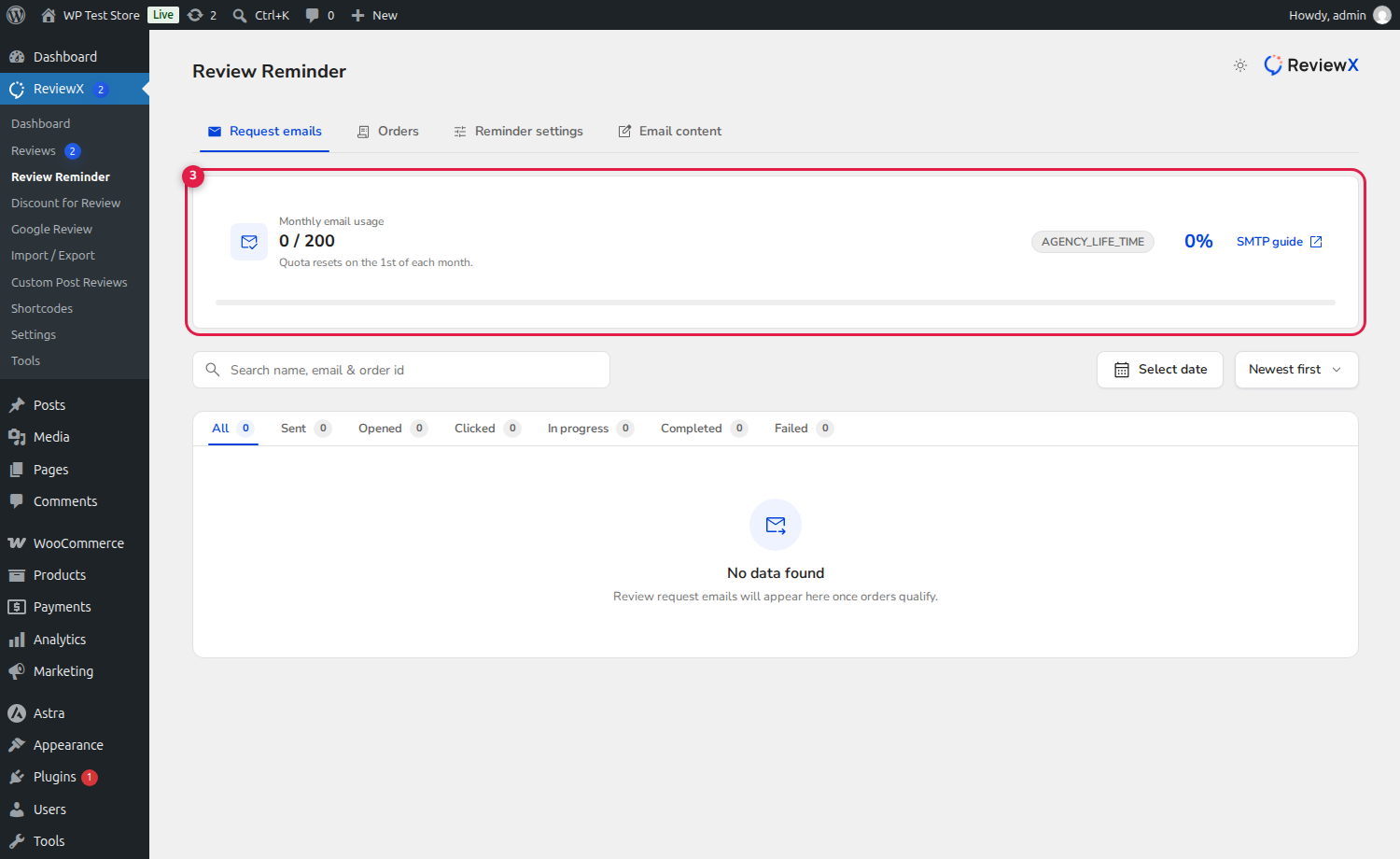
ReviewX provides free cloud email quota each month. To send unlimited emails and guarantee 100% inbox delivery using your authenticated domain (SPF, DKIM, and DMARC):
- Navigate to ReviewX → Settings → Custom SMTP.
- Enter your SMTP relay credentials (such as SendGrid, Brevo, Mailgun, or Amazon SES).
- Send a test email to verify domain authentication and delivery.
Frequently Asked Questions
Are reminder emails sent to guest purchasers?
Yes. ReviewX verifies the billing email address provided during guest checkout and delivers tokenized review request emails allowing guests to submit verified reviews without registering an account.
Can customers opt out of reminder emails?
Yes. In full compliance with GDPR and CAN-SPAM regulations, ReviewX includes an automated single-click unsubscribe link at the footer of all reminder emails.
What happens if a customer orders multiple products?
ReviewX consolidates multiple products from the same order into a single, beautifully organized email invitation, allowing the customer to review all purchased items conveniently.


