


If you have lost or forgotten your ReviewX Client Portal password, you can regain access within two minutes using our automated recovery process.
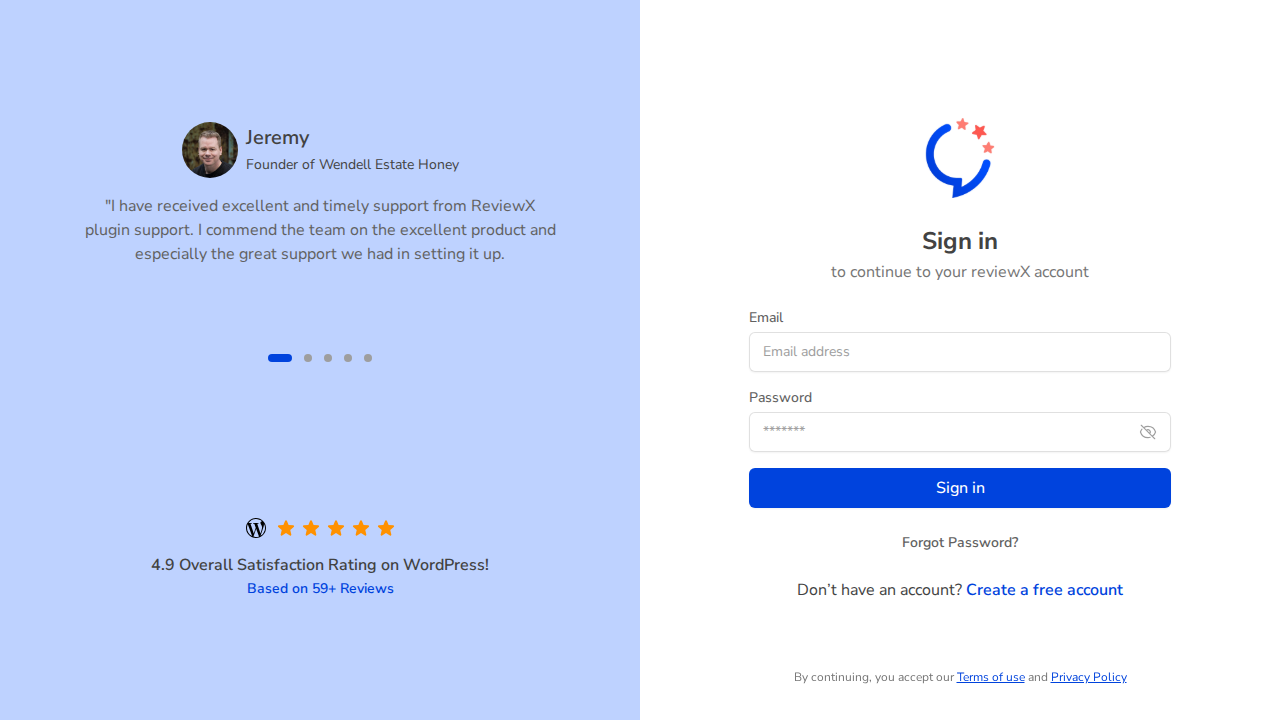
Figure 1: Client Portal sign-in interface featuring automated password recovery.
Step 1: Request a Password Reset Link
- Visit the sign-in page at portal.reviewx.io.
- Click the Forgot Password? link beneath the password field.
- Enter the email address registered with your ReviewX purchase or account.
- Click Send Reset Link.
Step 2: Check Your Inbox
- ReviewX immediately dispatches a secure password reset email with the subject “Reset Your ReviewX Password”.
- Open the email and click the button labeled Reset Password (valid for 60 minutes for security).
- Tip: If the email does not appear in your inbox within 2 minutes, check your Spam / Junk folder.
Step 3: Define Your New Password
- On the password reset page, enter your new strong password.
- Confirm the password and click Update Password.
- You will be redirected to the sign-in screen where you can authenticate with your new credentials.


