


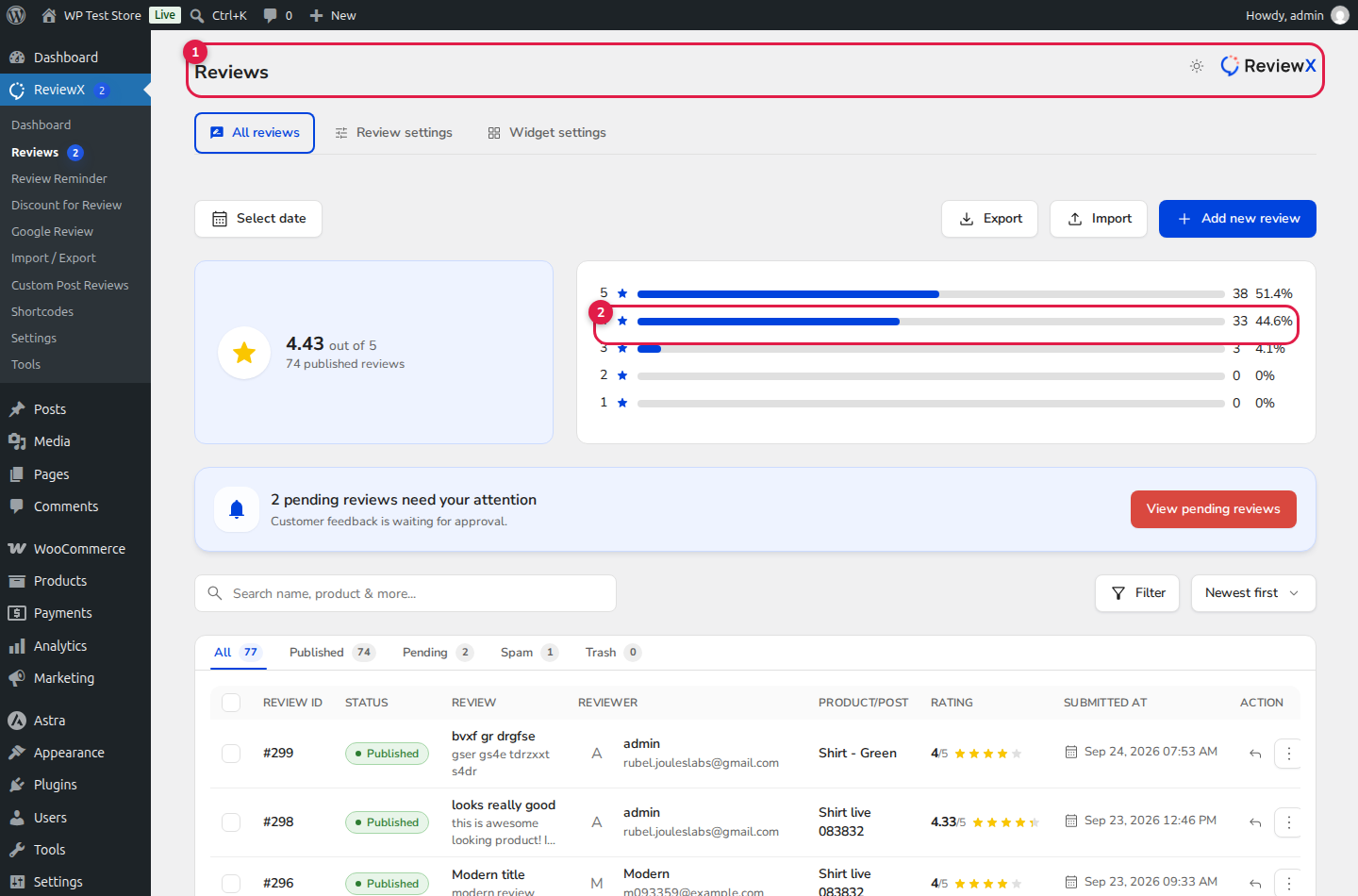
Maintaining a credible, trustworthy review section requires balanced moderation. While authentic customer testimonials build social proof, e-commerce stores must be protected against malicious spam bots, defamatory language, and competitor sabotage. ReviewX includes an intuitive, centralized Review Moderation Center directly within your WordPress admin dashboard, giving store owners granular control over the review approval lifecycle.
Authenticity vs Store Protection
ReviewX gives you the flexibility to auto-publish verified buyer reviews instantly while quarantining suspicious submissions or low-rated reviews for administrative inspection and proactive customer service outreach.
Understanding ReviewX Moderation Statuses
Every review in ReviewX exists in one of five distinct lifecycle states, accessible via the top status filter tabs (marked with Badge 1):
| Status Tab | Storefront Visibility | Description & Workflow |
|---|---|---|
| All | Mixed | A complete, unfiltered log of all reviews regardless of moderation status. |
| Published | Publicly Visible | Approved reviews displayed on single product pages, widgets, and crawled by Google search engine bots. |
| Pending | Hidden from Public | New submissions awaiting review approval (when Auto-Approval is disabled). |
| Spam | Hidden from Public | Reviews flagged by reCAPTCHA, suspicious IP patterns, or manually marked as spam. |
| Trash | Hidden from Public | Deleted reviews held in staging. Can be restored or permanently emptied. |
Executing Moderation Actions on Review Rows
In the review table (marked with Badge 2), each review item displays comprehensive metadata: reviewer identity, verified buyer badge, product thumbnail, star rating, multi-criteria breakdown, and media attachments.
Hovering over a review row reveals actionable moderation controls:
- Approve: Instantly transitions a Pending review to Published, triggering schema aggregation and customer notification.
- Unapprove: Temporarily unpublishes a live review without deleting it, allowing for dispute resolution.
- Reply: Opens the store owner reply side drawer to post an official response directly beneath the testimonial.
- Spam: Quarantines the review into the Spam folder to prevent future submissions from that IP or email.
- Trash: Moves the review to Trash.
Configuring Review Auto-Approval Rules
To automate your moderation pipeline, navigate to ReviewX → Reviews → Review settings and locate Review auto approval:
- Auto-Approval ON: Reviews are published automatically upon customer submission, ensuring zero delay in social proof updates.
- Auto-Approval OFF: Reviews enter the Pending queue and require manual administrator review before appearing on the storefront.


