


Sending automated review reminder emails in the customer’s native language significantly increases review submission rates. If a customer places an order on your Spanish or French storefront, receiving a review request email in that same language creates a seamless post-purchase experience and builds brand trust.
ReviewX allows you to configure language-aware review request sequences that automatically deliver localized content, review links, and incentive discount codes based on the customer’s order language.
Prerequisite: Ensure you have ReviewX Pro activated and an active multilingual plugin such as WPML WooCommerce Multilingual or Polylang for WooCommerce installed on your store.
How ReviewX Tracks Customer Language
When an order is placed in WooCommerce, multilingual plugins record the customer’s browsing locale (e.g. es_ES, fr_FR, de_DE) in the order metadata (wp_postmeta or HPOS order meta table). ReviewX automatically captures this locale during the automated review scheduling process.
Configuring Localized Email Templates
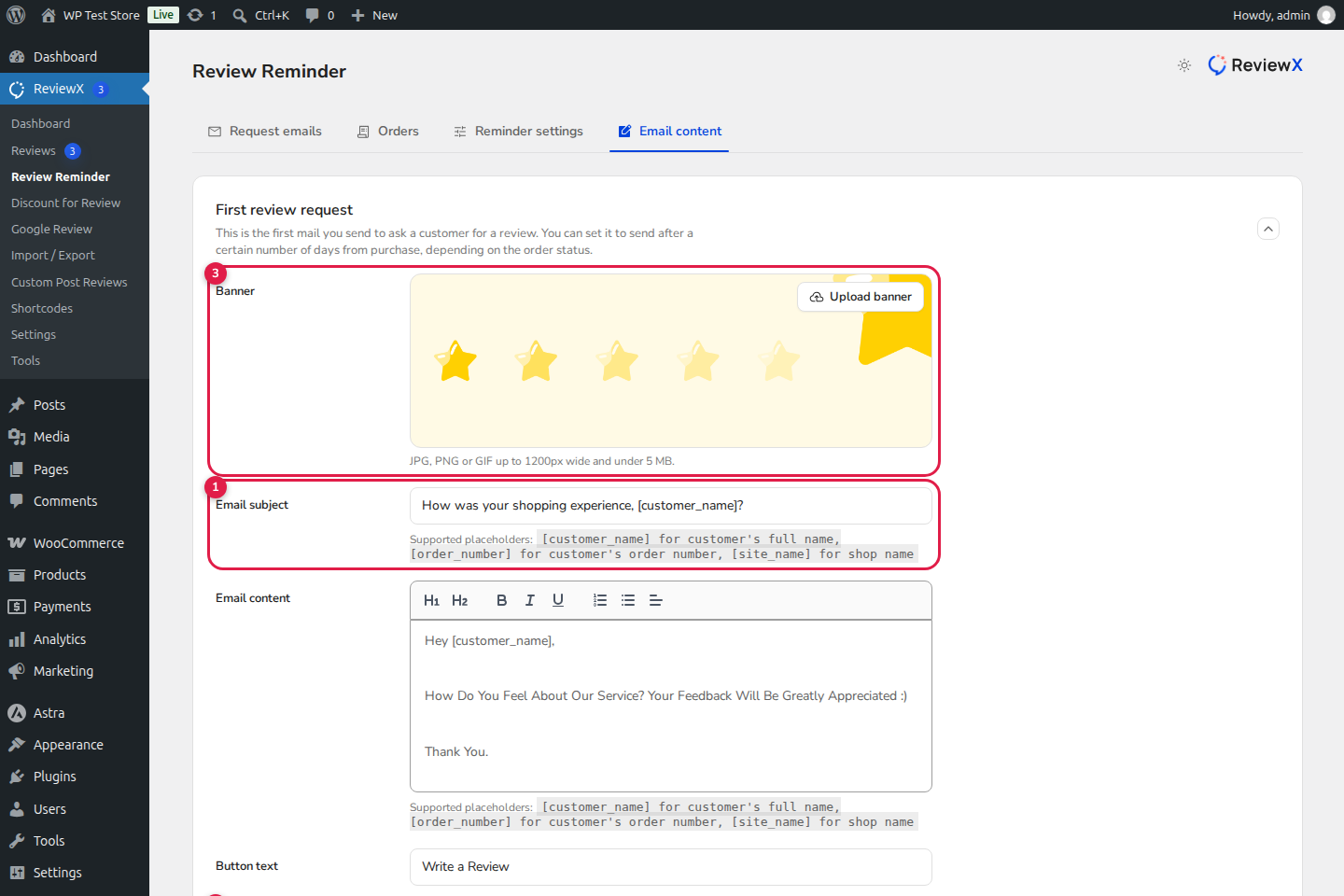
- Navigate in your WordPress admin to ReviewX → Settings → Review Email.
- Select the email sequence you wish to localize:
- First Review Request
- Follow-Up Reminder
- Photo / Video Review Request
- In the template editor, utilize dynamic merge tags to ensure customer and order details render accurately in any language:
{customer_name}: Automatically inserts the customer’s first name.{product_title}: Inserts the localized product title from the translated order item.{shop_name}: Inserts your store name.{review_link}: Generates a direct review submission URL leading to the language-specific product page.
Translating Email Subject Lines and Content
To deliver localized email copy per language:
- In WPML → String Translation, search for the domain
admin_texts_rvx_settingsor search directly for your email subject line. - Provide localized translations for each active language:
- English: How was your recent purchase? Share your thoughts!
- Spanish: ¿Qué tal tu compra reciente? ¡Comparte tu opinión!
- French: Comment s’est passé votre achat ? Donnez votre avis !
- German: Wie gefällt Ihnen Ihr Kauf? Teilen Sie Ihre Erfahrung!
- Translate the body text, CTA button label (“Write Review” → “Escribir reseña”), and footer unsubscribe text.
- Click Save.
Testing & Verifying Multi-Language Delivery
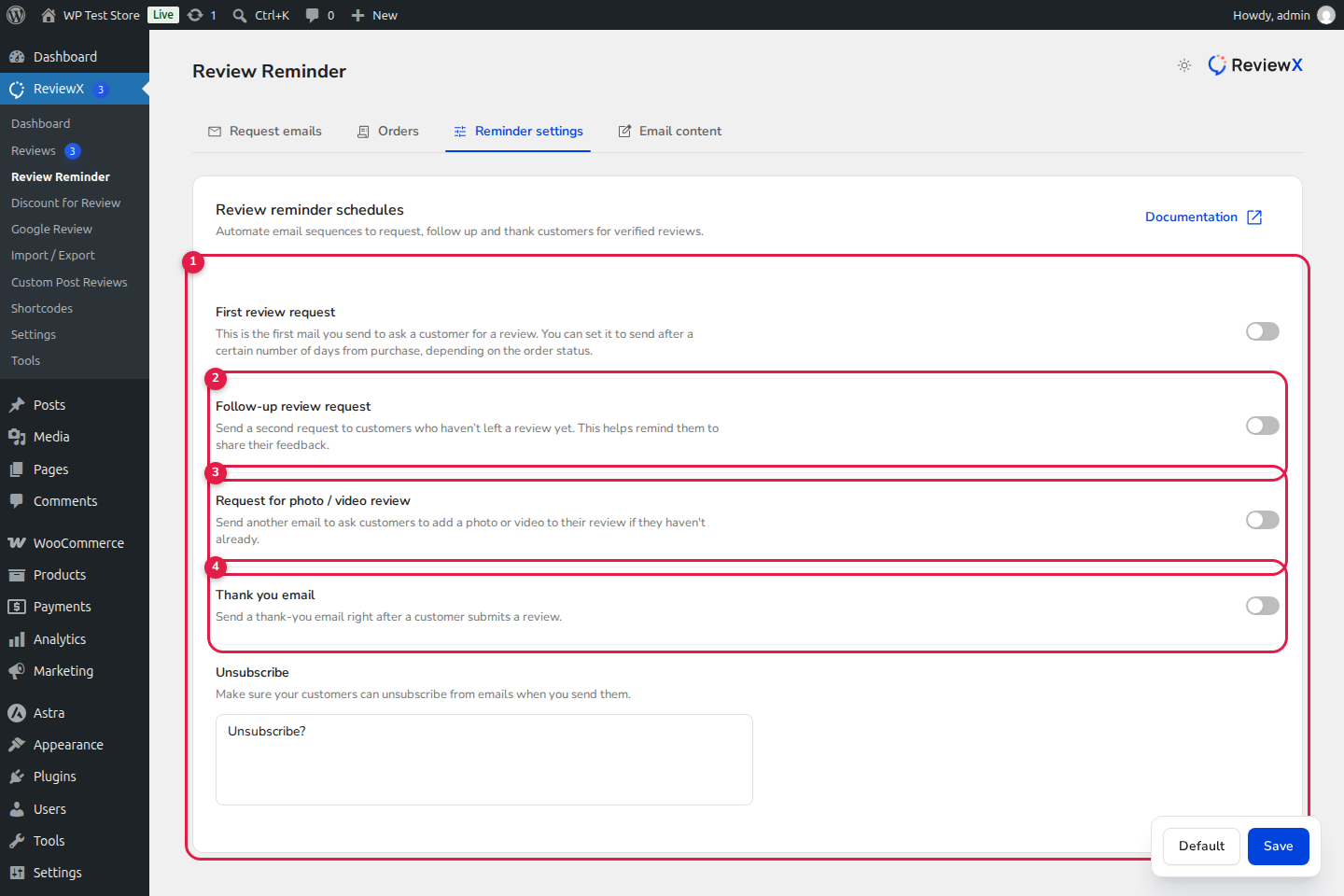
- In ReviewX → Settings → Review Email, scroll to the Send Test Email section.
- Enter your testing email address and select a test order placed in a non-default language.
- Send the test email and inspect your inbox:
- Verify that the subject line, greetings, and body text match the intended language.
- Confirm that clicking the review button leads directly to the localized product review form (e.g.,
https://yourstore.com/es/product/...#reviews).


